
The Discman is now optional
It started as a 3D music player for switching Claude Code accounts. A month later it was mostly a number in the menu bar.
Side A is a Mac app that keeps your Claude Code sessions on whichever account has quota about to go to waste, and shows every Claude Code and Codex limit in the menu bar. on september 6 it was a 3D Discman you clicked to switch accounts. by october 8 it could move an agent to another account in the middle of a task, without stopping it. how does a toy for picking an account end up doing that?
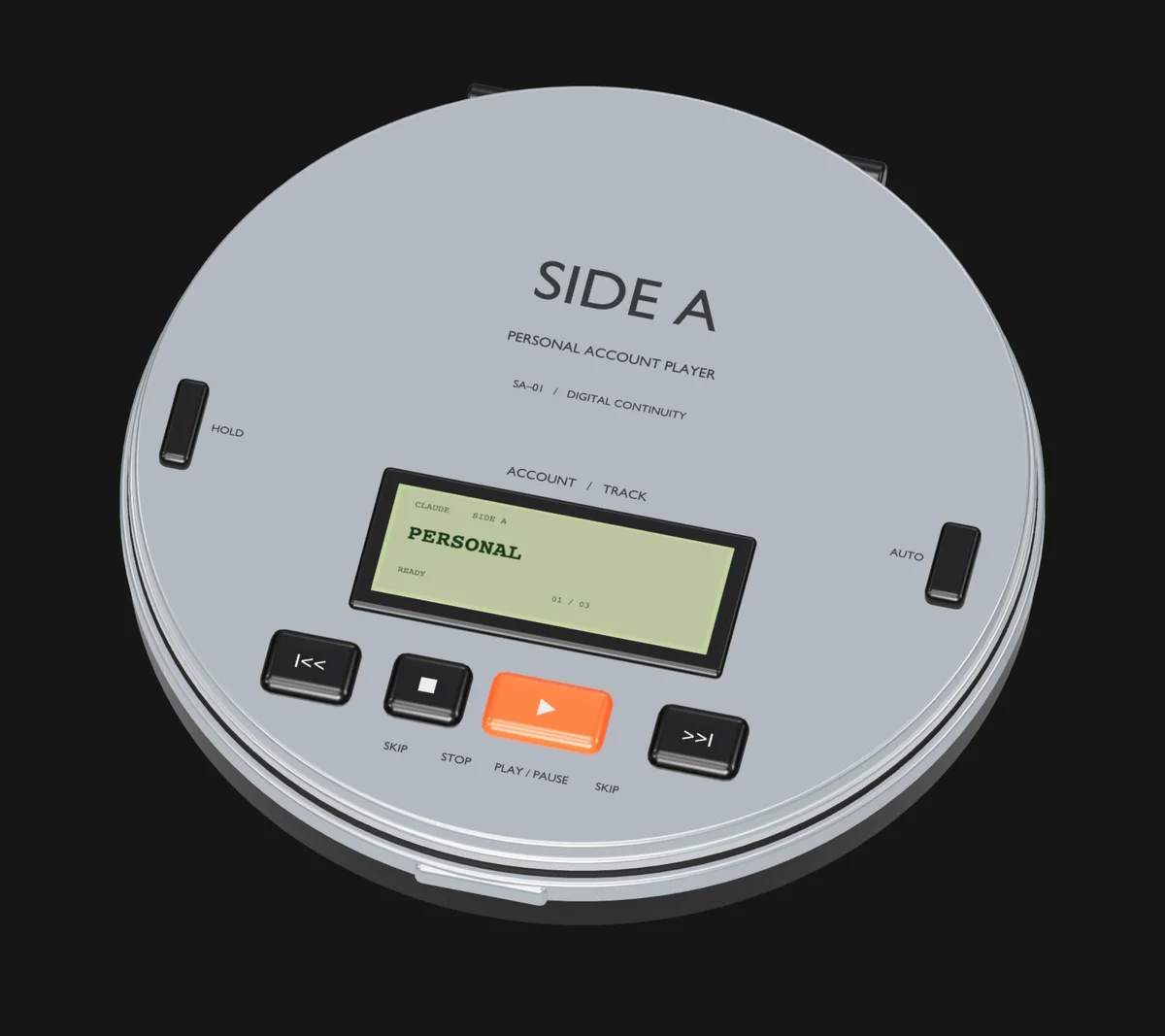
A Discman for a boring problem
i use more than one Claude Code account. each plan has two limits, one that resets every 5 hours and one that resets every week. when one account runs dry you switch to another, and switching was boring. i wanted it to feel like picking a track.
the first commit already had a design doc. it called itself a "design contract", and it opened with a reference lock: Sony's portable CD players (a D-EJ01 specifically) for the object, and the macOS Music mini player for the behavior. one current item, a small transport, the library one step away.
it fixed four colors. ink #212522, cool gray #E7E9E8, LCD green #B7C49C, and orange #E86B32, which was for the play button and nothing else. the diagrams on this page use that orange for the same job.
it also had this rule:
No invented usage percentages.
back then Side A couldn't read a limit. it only knew you'd hit one when the session said so, and it refused to show a number it would have had to guess. that rule comes back later, reversed.
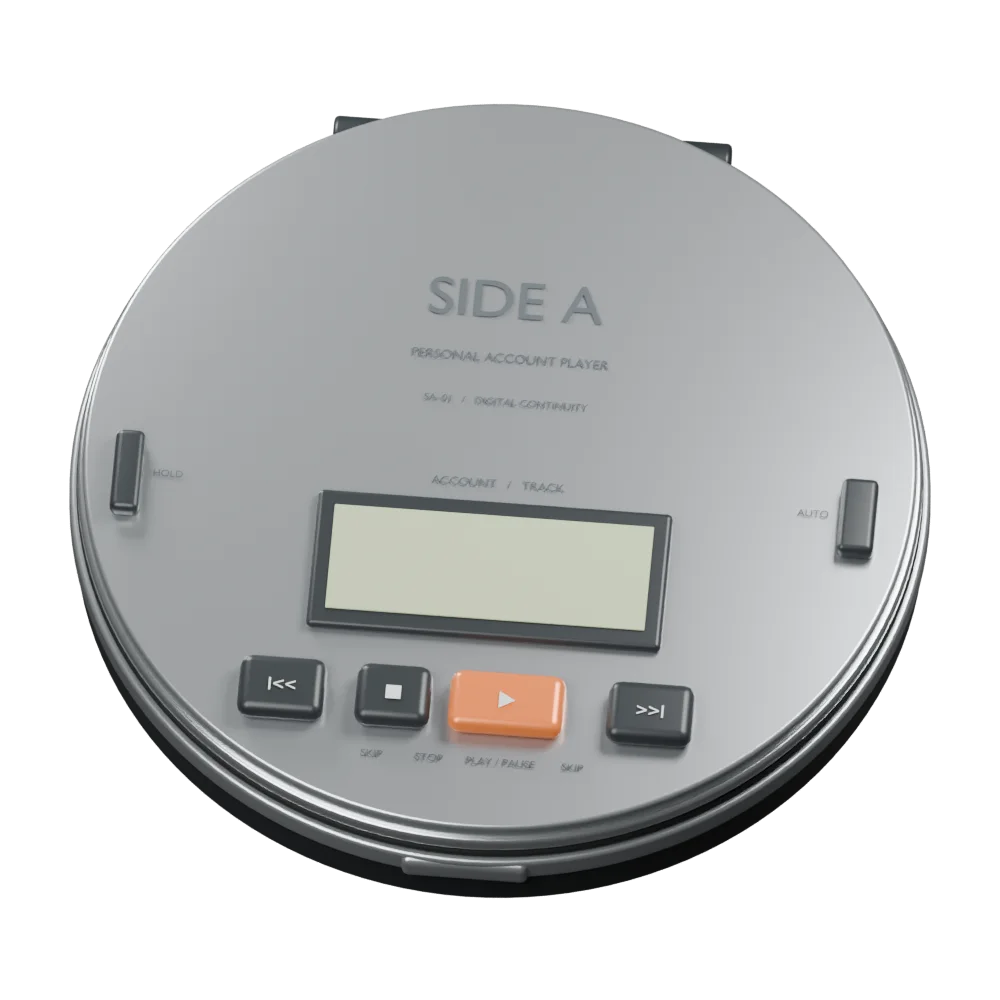
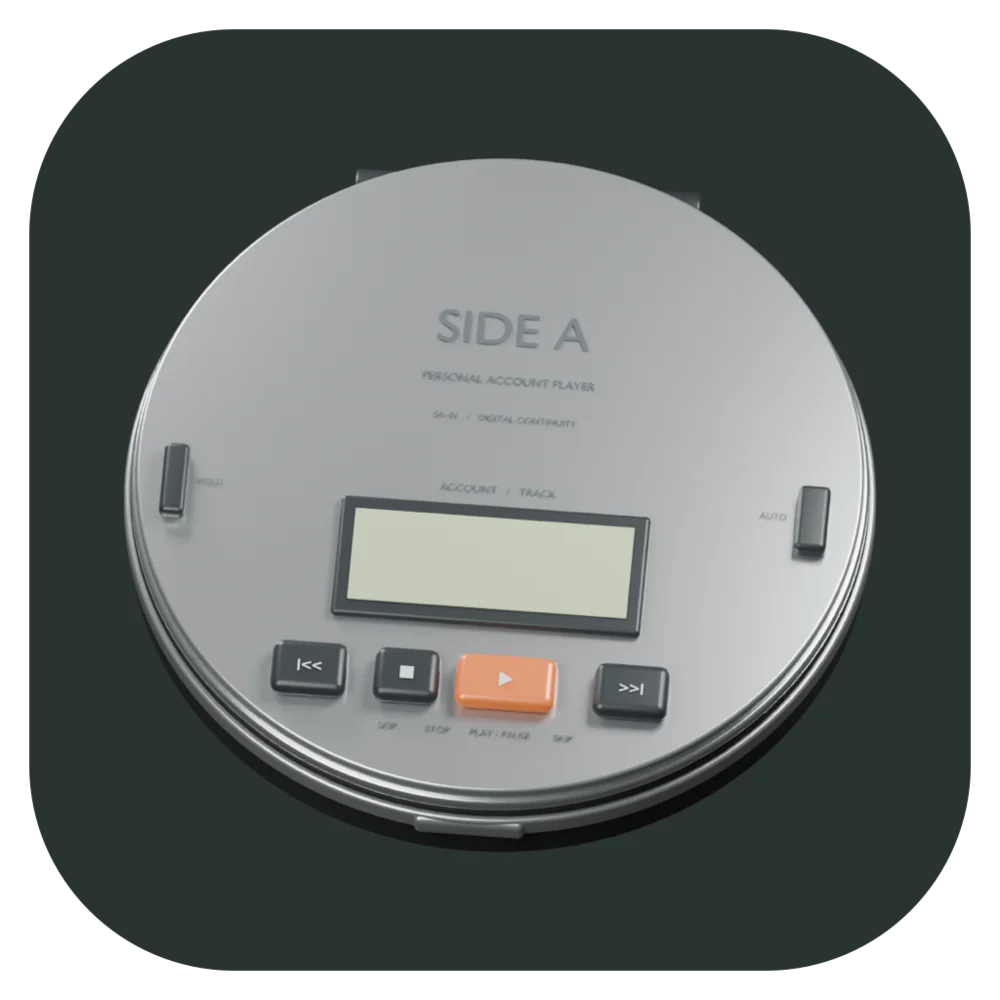
One Blender script, two players
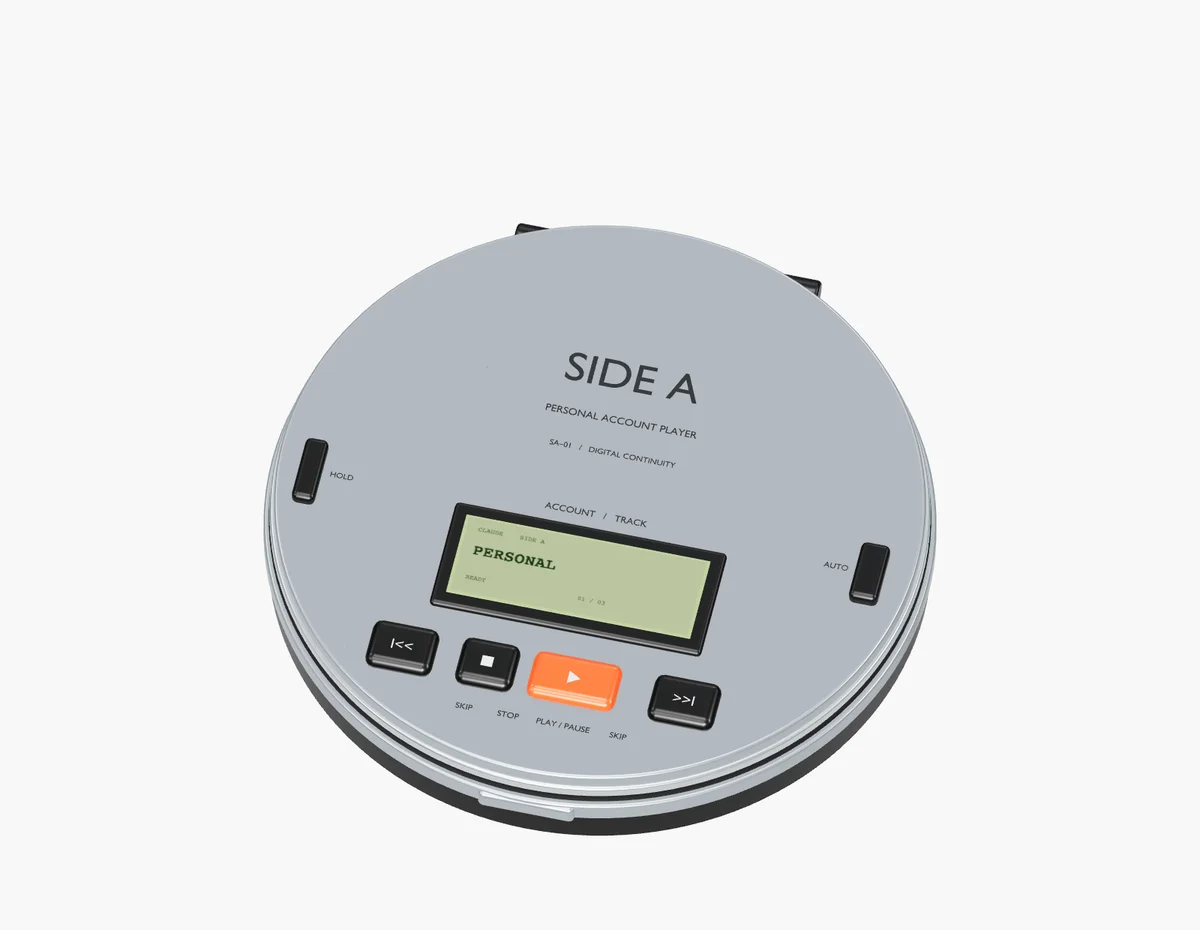
design/build_discman.py runs inside Blender with no window open and builds the player from primitives: cylinders for the shell, the lid and the disc, tori for the grooves, boxes for the buttons, text curves for the printing. it's about a hundred lines.
the materials have names like a spec sheet. Satin aluminum for the lid, Polished chamfer for its edge, Graphite polymer for the base, Persimmon play for the one orange button. every box gets a bevel modifier called Machined edge, plus weighted normals, so the corners catch light the way milled metal does.
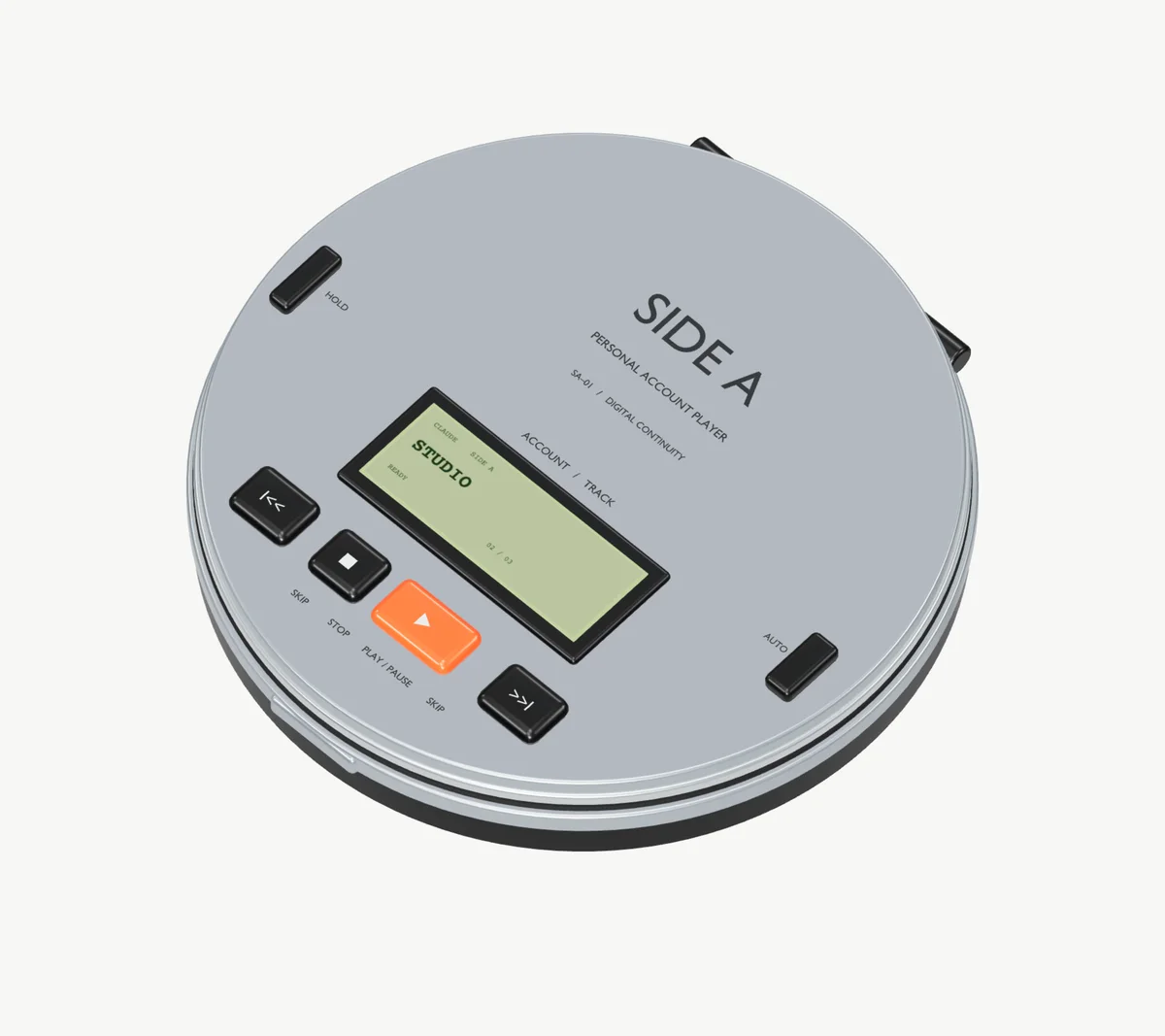
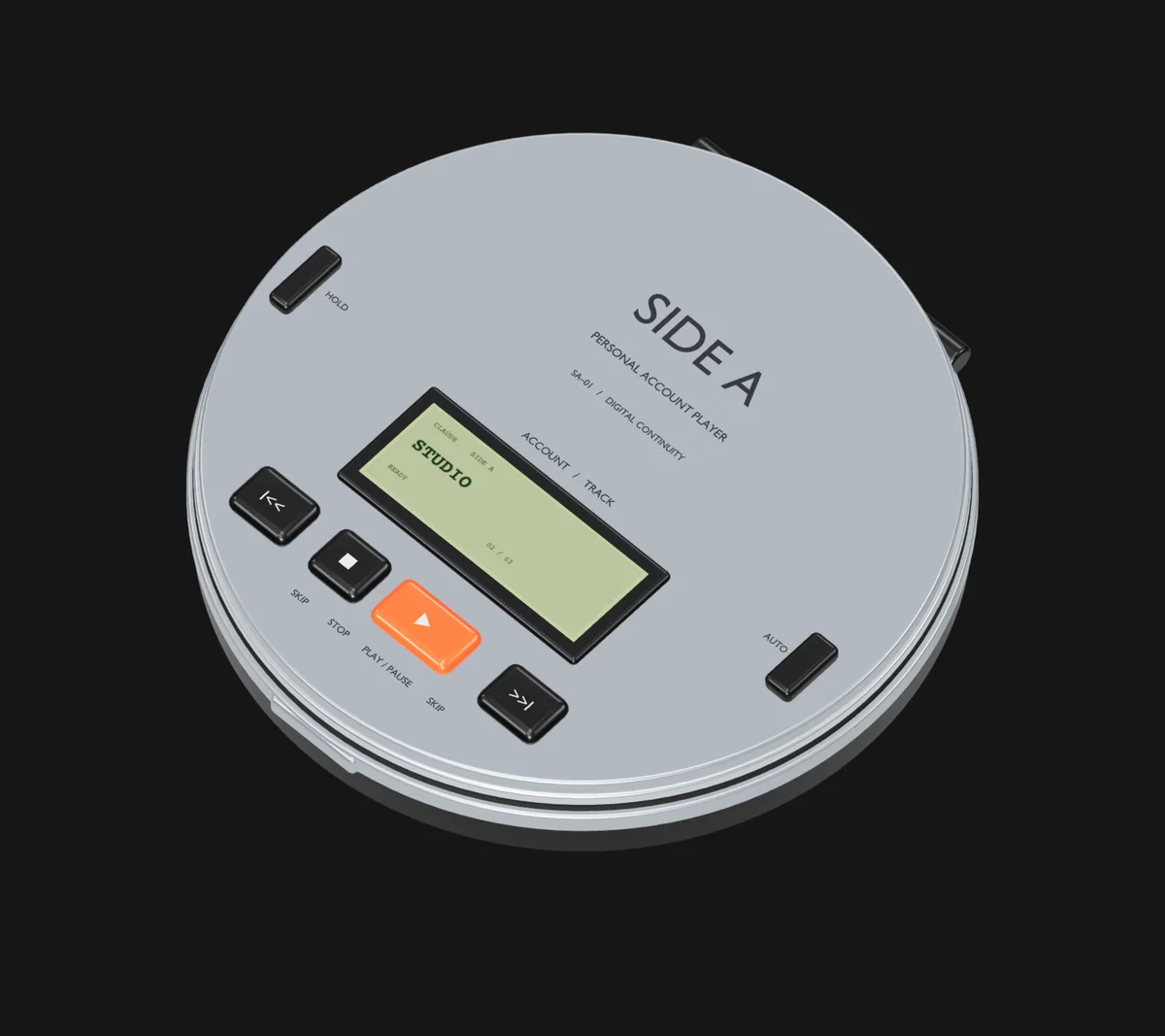
i didn't want a web view, or a model format the app had to parse. the same script asks Blender for the evaluated geometry (bevels applied, text turned into triangles) and writes every mesh to a JSON file with its color, metalness and roughness. the Mac app reads that file and builds SceneKit meshes directly. Blender stays the source of truth: change the script, run it, and the app and the reference render both update.
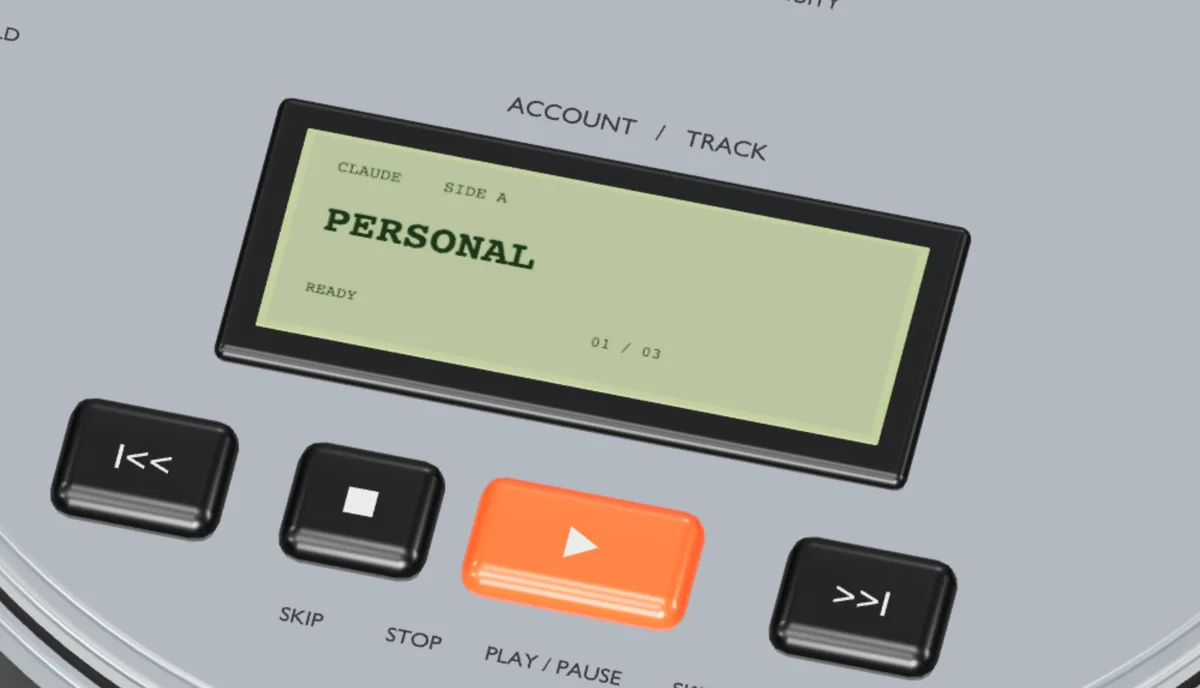
every control in the model is a named node, so a click is a hit test. previous and next pick an account. play uses it. OPEN hinges the lid and shows the account library. HOLD locks the transport like it does on a real one, and the AUTO switch on the side turns on automatic handoff. the LCD is a texture, redrawn whenever something changes. the window is the object: everything outside the silhouette is transparent, you drag the Discman around your desktop by its housing, and SceneKit only draws when something moves, so an idle player draws nothing.
getsidea.com runs the same JSON in three.js. a build script dedupes vertices and stores each position as a 16-bit integer across its mesh's bounding box. on this model that's well under a tenth of a millimeter of error, and the whole Discman gzips to about 500 KB. reflections were the other cost. three.js usually renders a studio environment into cube maps and blurs them on every load, and i baked that once into a small half-float texture instead. on a phone, with Reduce Motion, on Save-Data or on four cores or fewer, a 2x poster from the same scene is the product shot.
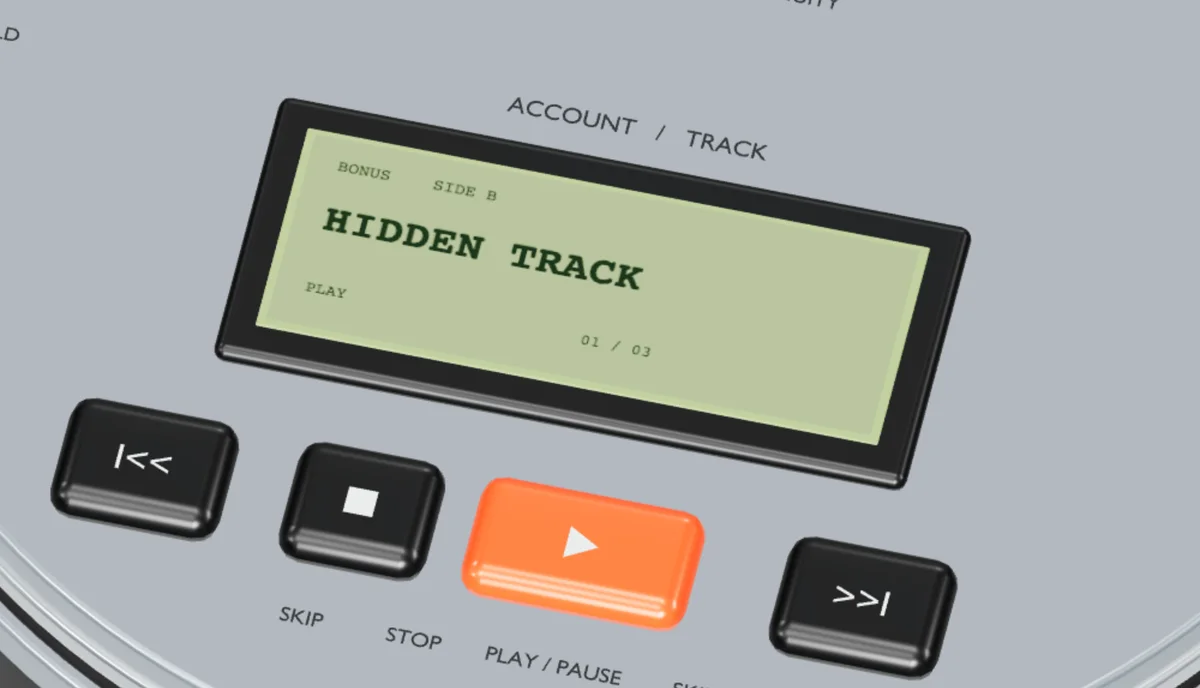
it plays, too. arrow keys skip, enter opens the lid, space spins the disc. hold play for two seconds and the LCD says REPEAT 1. tap the logo five times and it shuffles. the Konami code flips it to Side B.
Every button did something real
each account got its own config folder and its own sign-in through Claude's browser flow, verified before Side A would use it. press play and Side A opened Claude Code in your project, in Terminal, as that account. underneath, a Python supervisor ran the session in its own pseudo-terminal so Side A could watch it.
that's what Auto flip was for. when Claude Code reported a structured rate-limit stop, the supervisor waited for the turn to end, exited the session cleanly, and resumed the saved conversation under the next verified account you'd allowed. same session id, next account.
the reel at the top is this versionon day one i was already deleting. 0.2.0 says it plainly: "the standalone app is now just the 3D device." the window chrome went, the layout went, and the Discman floated on its own. 0.2.1 took out the slogan panel, the branded footer, the repeated headings and the numbered explanations. within a day there was a notarized release pipeline, a custom DMG and signed Sparkle updates, and 0.3.0 added Codex accounts. by september 7 the website was the object, one button, and one line of text.
A month of use changed the question
after september 7 there's nothing in the repo for a month.
i kept using it, and using it is what changed it. picking an account was never the hard part. not knowing how close each account was to its limit until i hit it was. that's a number, and the Discman only showed a name.
0.5.3, on october 6, is titled "Menu bar pivot". every account's 5-hour and weekly limits, in the menu bar, as percentages. the same release removed the per-project Terminal sessions and the PTY supervisor the first version was built on. the website got a headline the same day.
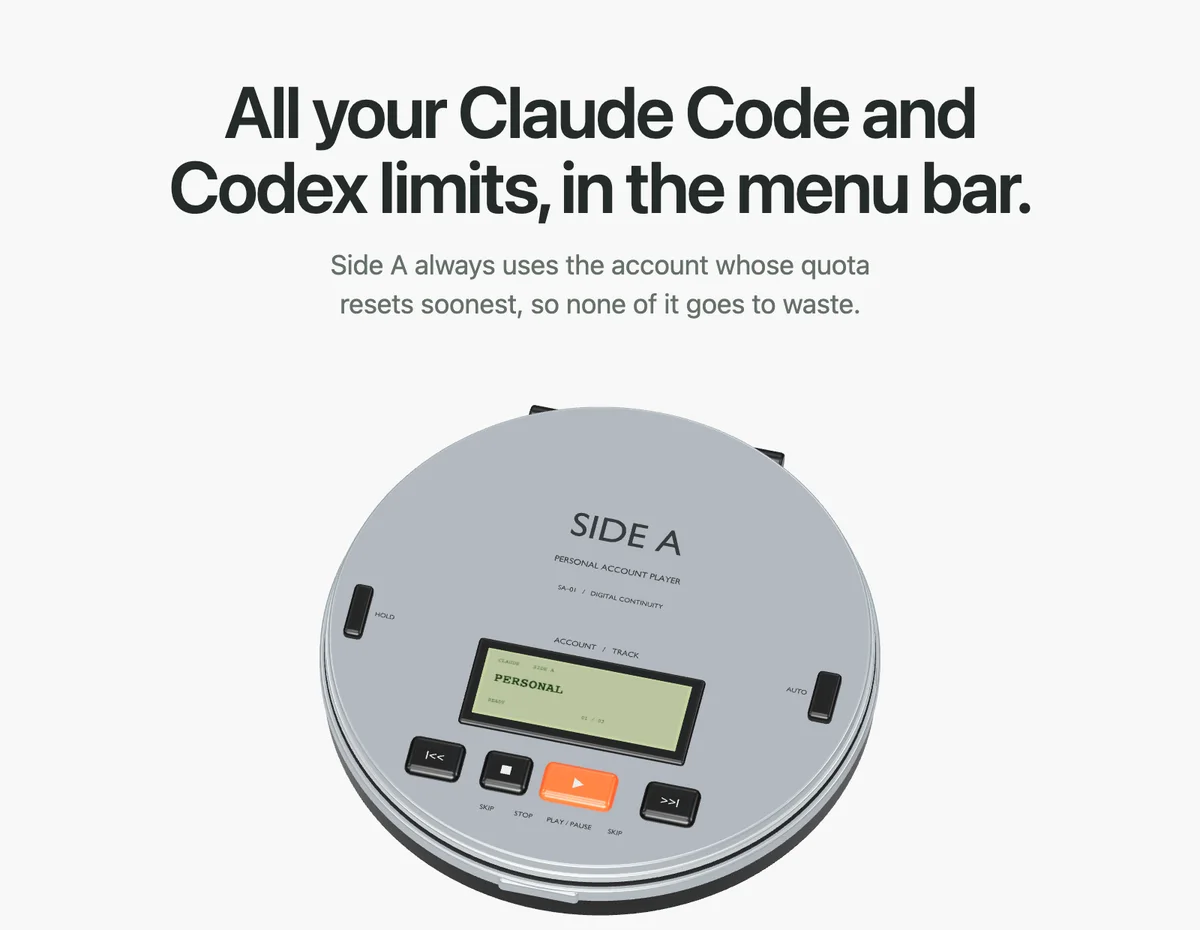
the day-one rule didn't get broken quietly. the design doc now has a section called Reversed decisions, and "No invented usage percentages" is its first entry, replaced by real limits. right under it, "The physical object is the app", replaced by the menu bar.
the rule that replaced it is in the doc's first list: "Real numbers only." every percentage comes from the provider's usage endpoint or from Claude Code's own replies, and a reading older than 15 minutes says how old it is.
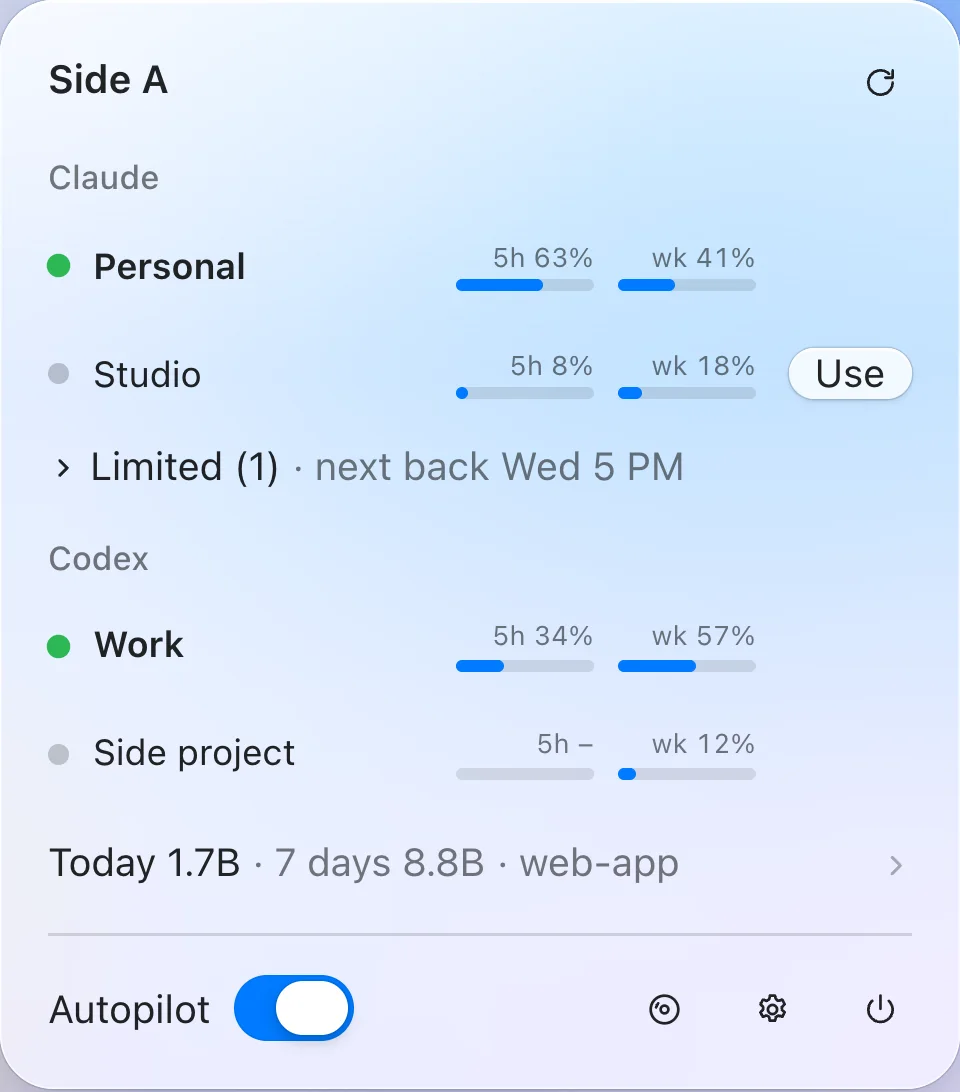
the usage endpoint is the one the CLI itself reads. Side A reads the accounts in use every few minutes, more often near a limit, idle ones less often, and a limited account hourly in case it resets early. reading an idle account needs a live login, and logins expire, so Side A renews an expired one the way Claude Code would, under Claude Code's own refresh lock. the two never renew the same login at once, and Side A warns three days before a sign-in runs out.
the better source came in 0.5.18. Claude Code's statusline receives the limits with every reply, and Side A wraps your statusline: each reply saves that account's 5-hour and weekly numbers, then your own statusline runs with the same input, untouched. while sessions are reporting, the endpoint only gets read every 15 minutes.

the Usage tab grew out of the same data. it reads your local transcripts and shows tokens by day, project and model, and what those Claude tokens would cost at API list prices, from LiteLLM's public price list. most of that is prompt cache: every step resends the conversation, mostly as cache reads.

the Discman didn't go anywhere. since 0.5.6 it's a setting, off by default. turn it on and it still opens and still plays.
Spend whatever expires first
once Side A could see every limit, it could choose for me. weekly quota you don't use is gone when the week resets, so use the account that's about to lose the most first.
the rule is one line: weekly percent left, divided by hours until the weekly reset, times plan size. that's quota per hour you'd have to burn to use it all. the october site wrote it out by hand.

plan size is how much one percent is worth: a Max 20x plan counts 20, Max 5x counts 5, Pro counts 1. hours are floored at one, so an account resetting in ten minutes doesn't score as infinite. the 5-hour window isn't in the score at all. it comes back on its own several times a day, and the weekly quota is the one that expires unused. the rest of the planner is a small pure function, and most of it is about not being annoying. any account within 75% of the top score counts as a tie, and among ties it picks the one whose 5-hour window resets soonest, before that window refills. it stays on the current account unless another is at least 1.5 times more urgent, so it doesn't flip back and forth. it only moves to an account under 90% on every limit, so it isn't leaving again ten minutes later, and drops the weekly check only if nothing qualifies. the point where it leaves an account is a setting, Move at, 95% by default.
here's all of it on three example accounts. Personal scores highest, but Studio is close enough to tie, and its 5-hour window resets first. you're on Weekend, which Studio beats by far more than 1.5 times, and Autopilot moves you to Studio.


5-hour windows have a quirk worth using. a window only starts at an account's first message. if your first message is at 9, the window resets at 2, whether you used it or not.
Autopilot learns your day for that. it buckets your last 14 active days by hour, finds the longest run of quiet hours (at least four), and calls the end of it your morning. from two hours before then and through your day, an idle account in Autopilot can get one Haiku message, "Reply with OK.", which starts its window early. the window you start working in resets while you're still working.


at first Autopilot only pointed new sessions at the right account. one marked line in ~/.zshrc reads Side A's choice before every claude command and points it at that account's login, while settings, history and hooks stay in ~/.claude. the 0.5.3 notes say it outright: "Selection is read-only: Side A never writes or refreshes a login."
two days later, 0.5.19 wrote logins.
Moving an agent without stopping it
the september version moved a session by ending it and resuming it. that works between turns, and agents are almost always in the middle of one.


Side A leaves the session alone instead and moves the login underneath it.
Claude Code keeps each login in its own Keychain item, one per profile folder. a running session doesn't hold on to which account it's on. it re-reads its item about every 30 seconds. if the item changes, the session carries on as whoever is in it now.
copying the fresh account's login into that item is the obvious way, and it can't work. refresh tokens rotate, so two copies of one login eventually invalidate each other and someone gets signed out. Codex is stricter and revokes a login whose refresh token is used twice, which is why Codex accounts are read and primed but never switched.
logins are traded, never copied. the full account's login goes into an item no session is using, and the fresh account's login goes into the one the sessions read. every token stays in exactly one place.
the trade happens while sessions are using those logins, and it runs in a fixed order:
- lock: Side A holds Claude Code's own refresh lock on both logins for the whole trade, so no session renews a token mid-swap.
- look again: right before writing, it lists the running sessions again instead of trusting its last look. a session that started since then must not get handed the full login.
- journal: before touching either item, it writes down the trade (which items, which logins, where each account ends up).
- finish forward: if a write fails or the app stops halfway, the next run reads the journal and completes the trade, using the newest copy of each login in case a session renewed one meanwhile.
the login item also holds your MCP servers' sign-ins. those belong to the sessions, not the account, and a trade moves the Claude login and leaves them where they were.
then i made it wait. a session that moves to another account loses its prompt cache and resends its whole context, and moving early has a price. a trade the account doesn't need yet waits until its sessions have been quiet for five minutes. an account that's out of room moves at once.
it also trusts the session over the endpoint. if a session's latest reply is Claude Code's own limit message, that account is full, even while the usage endpoint is rate-limiting Side A. that idea came from a fork. Side A went open source under MIT on october 6, someone forked it and sent ideas back, and three releases credit that fork.1
Once it knew every session, it could answer them
knowing which account every session was on meant reading every session's transcript. and what i actually stare at all day is agents waiting for me.
permission prompts grow out of the notch. the card shows the command, or the file and a diff of the edit, plus which project and which account it came from.
⌃⌥Y allows, ⌃⌥N denies, ⌃⌥A always allows with the rule Claude Code suggests. the shortcuts are only registered while something is waiting. destructive things are different: rm, a force push, git reset --hard, a database drop, a change to a credentials file or to Claude Code's own settings are marked and need a click. no shortcut approves them, and they don't offer Always.
it works through Claude Code's hooks. a small Python script runs inside each session as a PermissionRequest hook, sends the app one JSON line over a socket only your user can open, and waits. the terminal prompt stays open the whole time. answer in either place and the other lets go.


finished sessions work the other way round. Claude Code's Stop hook can run in the background and wake the session later. Side A's stop hook tells the app the session is done, then waits. when you hit Reply in the island and type the next task, the hook prints your text and exits with code 2, and the idle session wakes up with that text as its next instruction. nothing gets typed into your terminal.
the Sessions window covers the rest: a search over every Claude Code and Codex conversation on the Mac, indexed into a local SQLite file. its Running section reads the tail of each live transcript, names the step ("Editing IslandView.swift"), and raises at most one flag: stuck after 10 minutes with no change, a loop when one tool call shows up 3 times in the last 6, 4 failed tool results in a row, or a context past 150k tokens. you can send a flagged session a note without switching to it. a hook after every tool call claims the note by renaming its file, so it's delivered once.

the list holds still. a list that re-sorts sends clicks to whatever row just slid under the pointer, so sessions keep a fixed order, newest started first, and while your pointer is over the list nothing moves between sections. a Show updates button puts the waiting changes in place when you're ready.
a list that moves while you aim at it is lying to youagents that change accounts on their own also work unattended, including overnight, and the last piece keeps the Mac awake for them. Keep awake holds a macOS power assertion while any session works, and lets the Mac sleep about two minutes after the last one stops. lid closed needs root, because macOS sleeps a closed MacBook whatever apps ask for. that's a separate tiny helper, approved once in Login Items, that only turns pmset disablesleep on and off for a correctly signed Side A. it works on power by default, never below 20% battery, and gives sleep back when the agents stop, when you quit, after a crash and at every boot. if the lid is shut when sleep comes back, Side A puts the Mac to sleep instead of leaving it running in a bag.

The Discman still ships
i started with an object because switching accounts was boring. i kept using it every day for a month, and that showed the real job was a number. once the number was real, Side A could act on it, down to moving an agent to another account in the middle of its work.
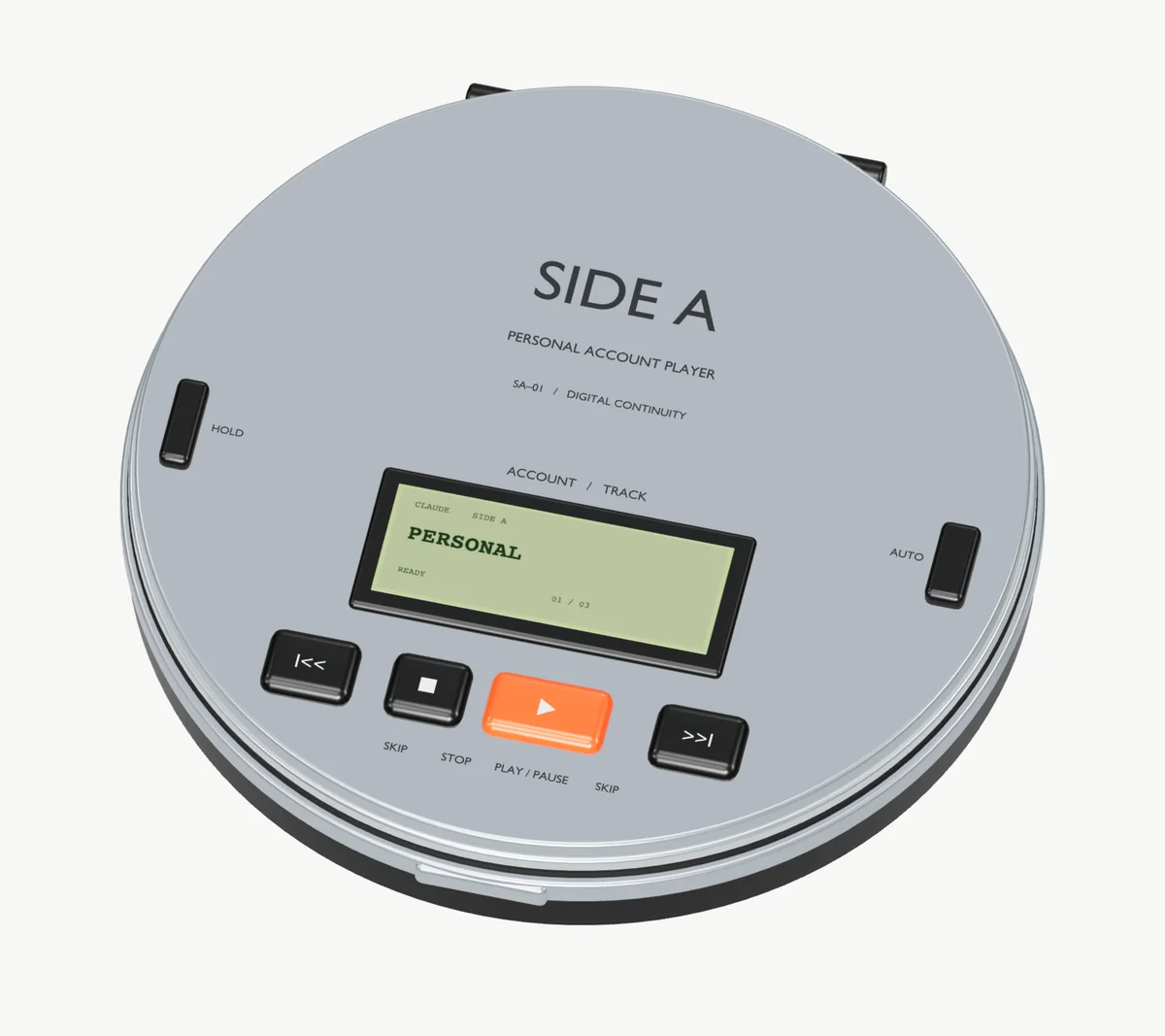
it still ships. you just have to turn it on.2