It started as a grader
It began as a tool that told my coding agent which screens were missing. Nine days in, it started making the App Store art instead.
Shotation is an agent skill that captures your app's real screens at each store's exact size (1320 by 2868 for the biggest iPhone) and turns them into App Store screenshots. every card it exports traces back to a capture that passed two checks, and a model's design gets sent back if one number inside the phone differs from that capture. so how do you let a model design your store art without letting it lie about your app?
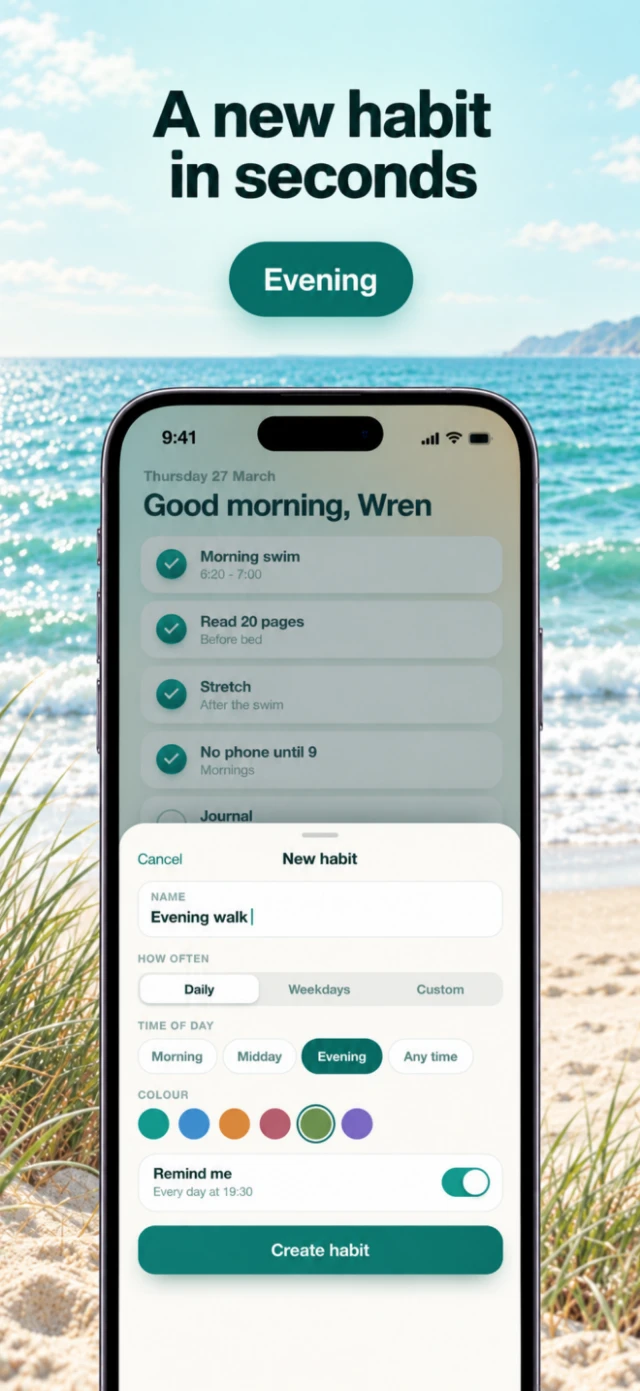
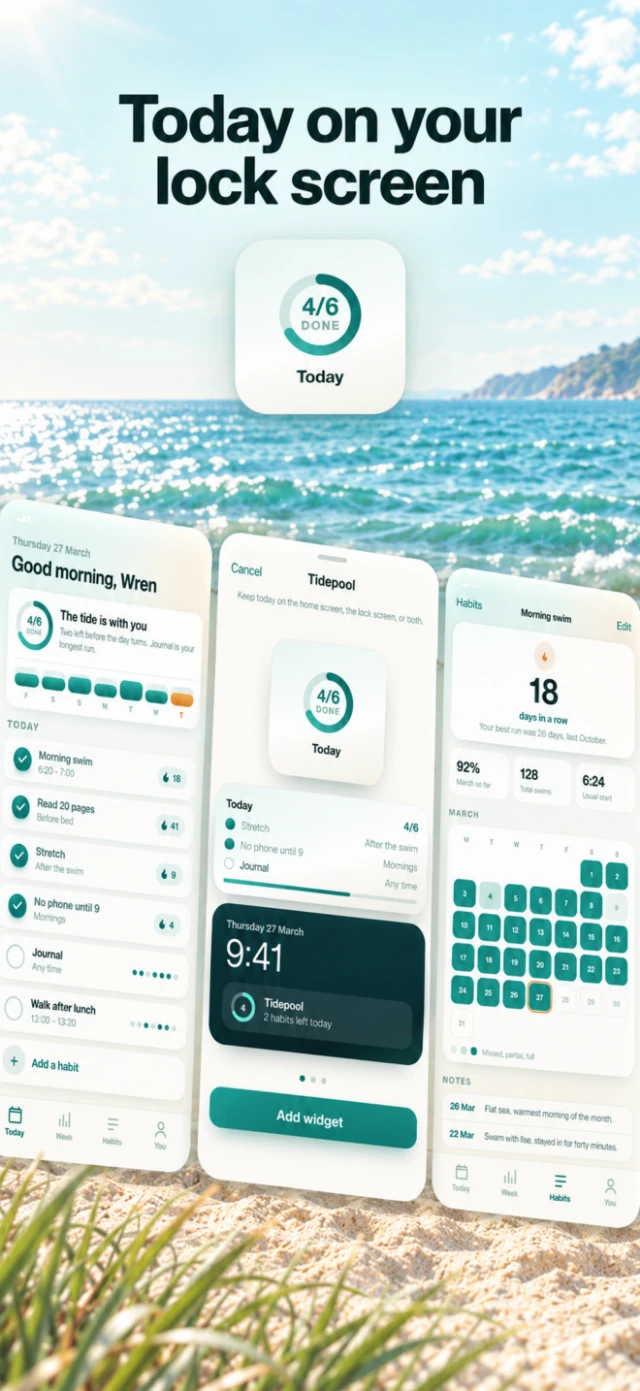
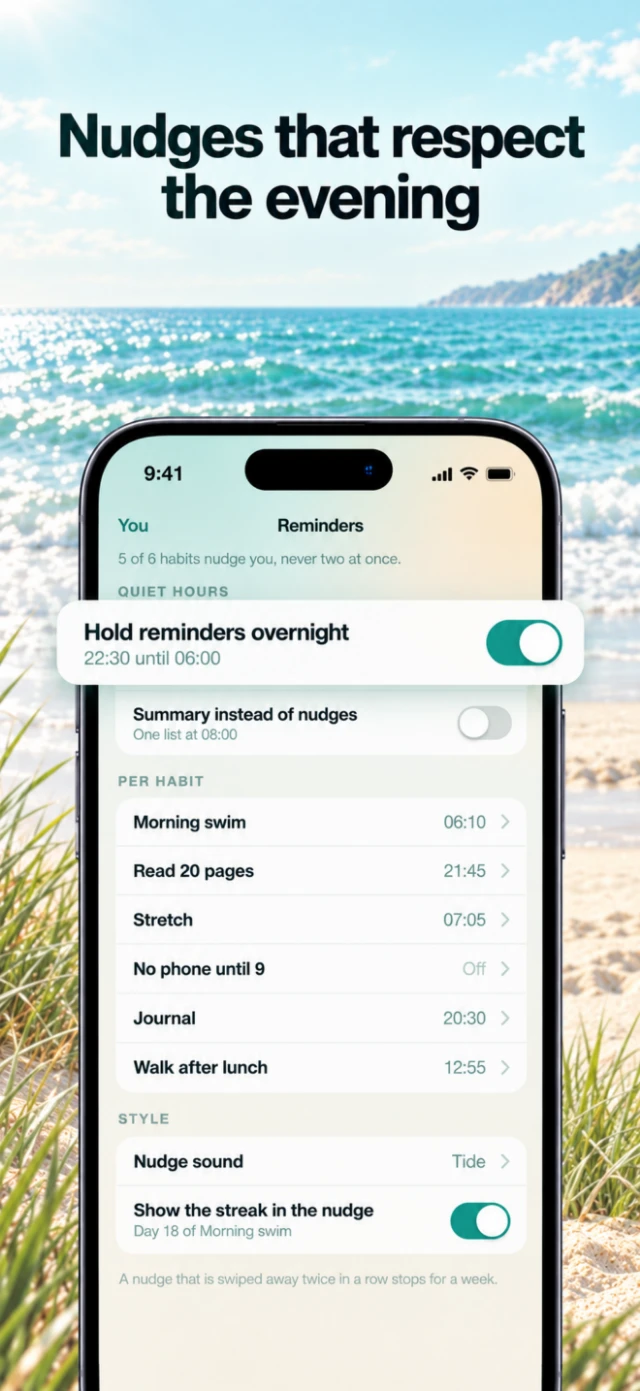
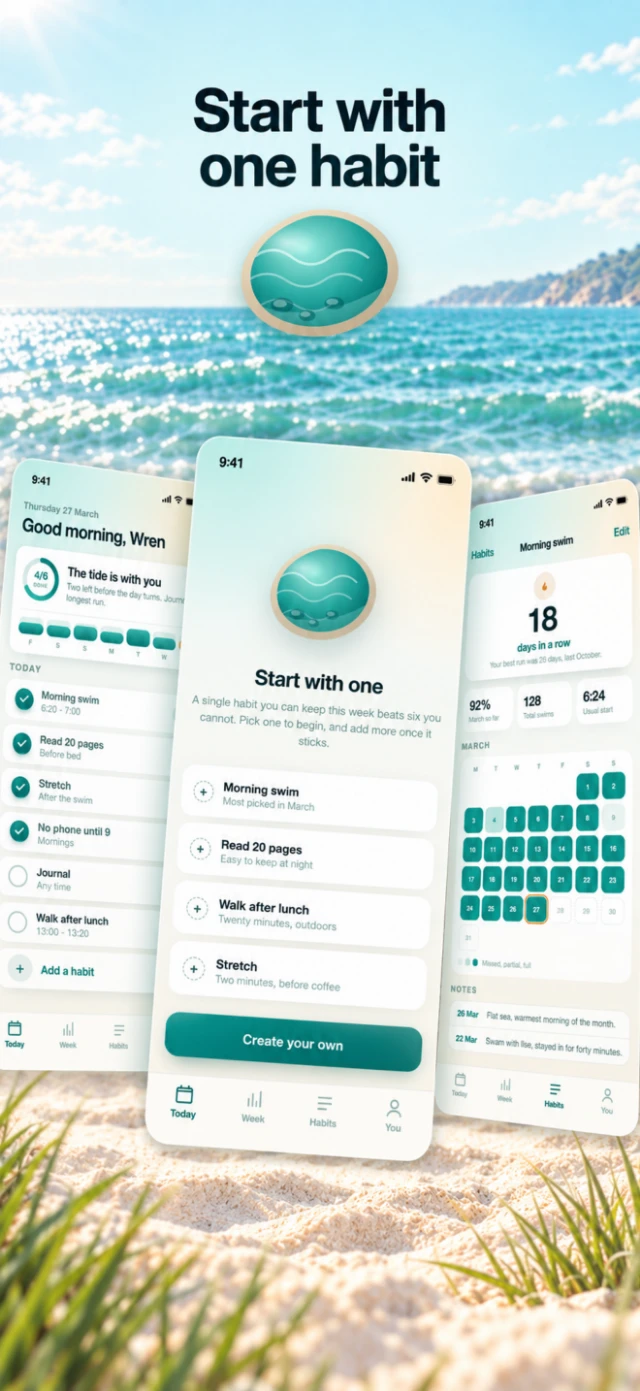
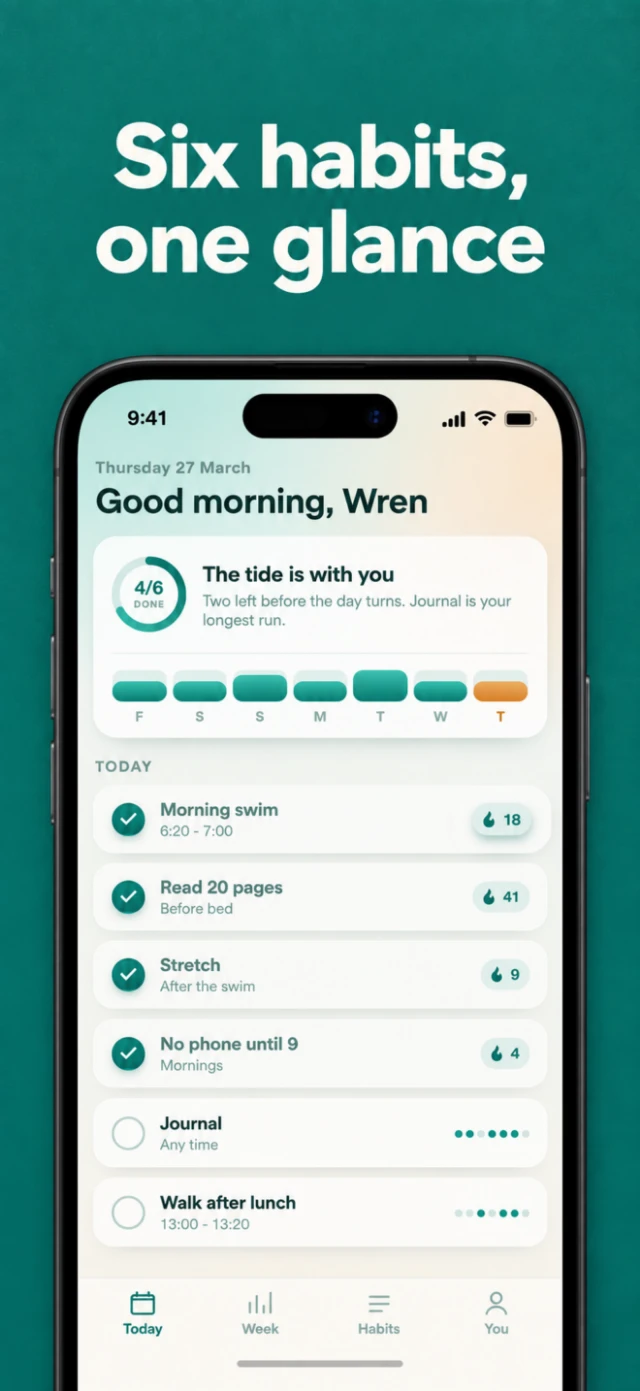
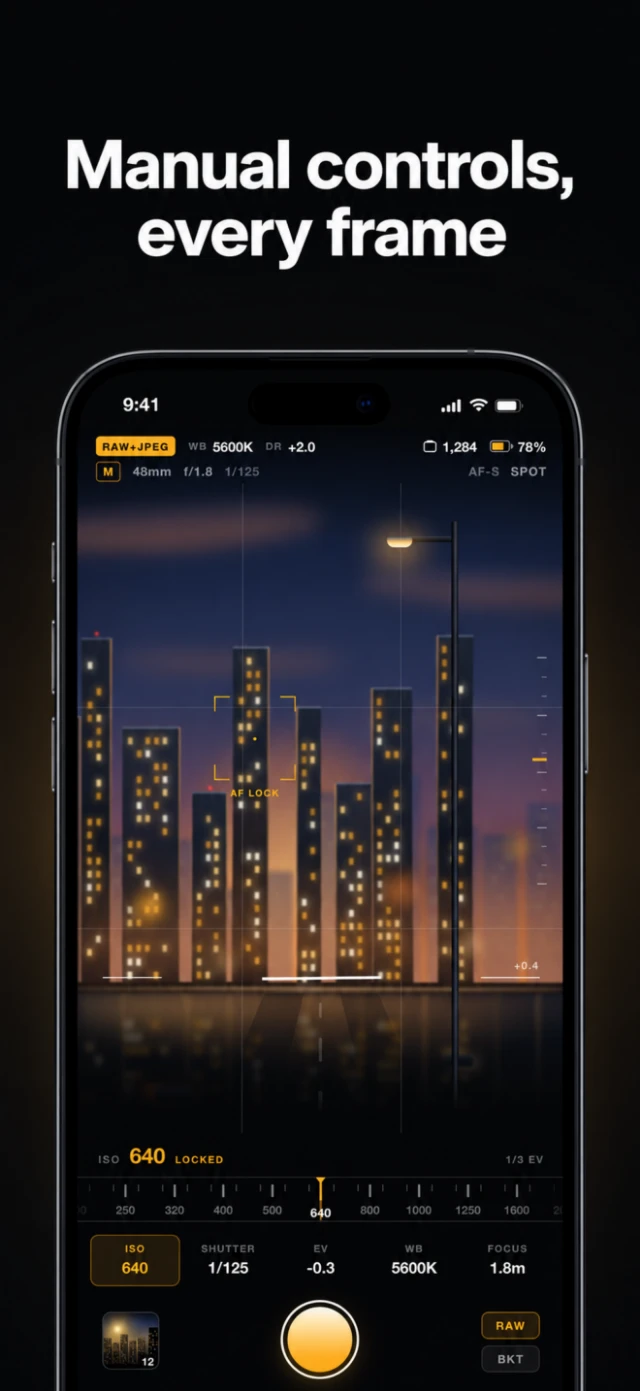
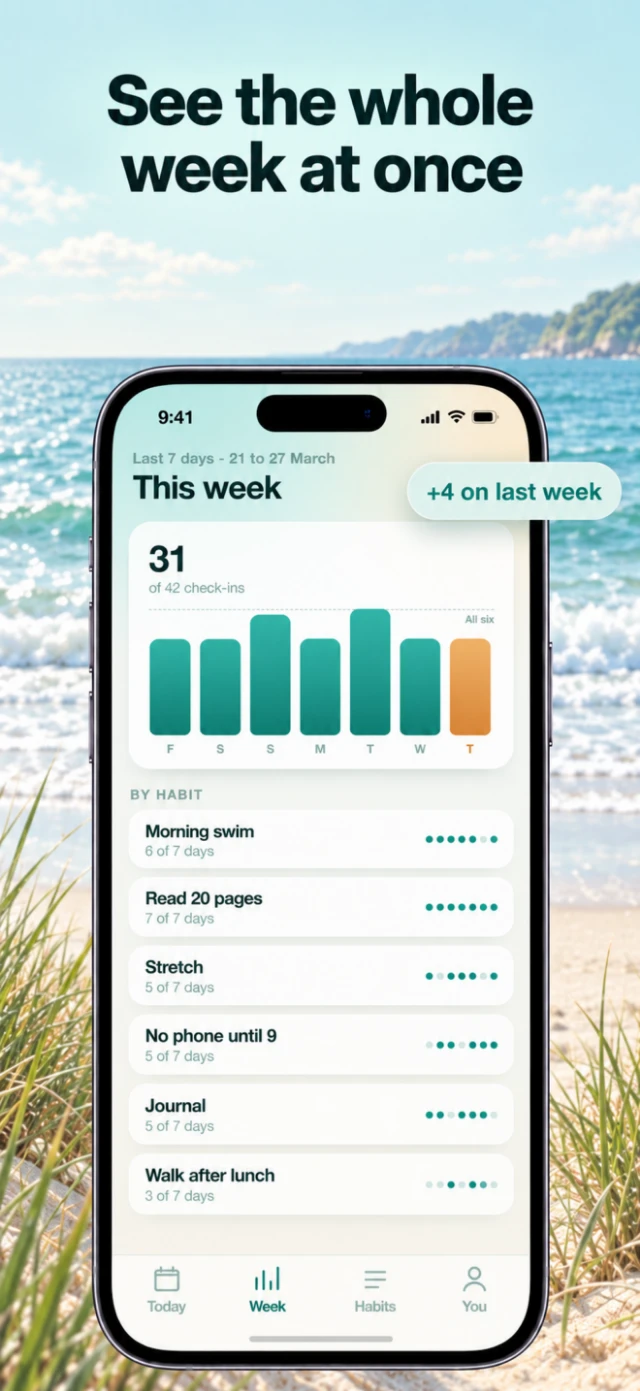
these are four cards for Tidepool, a habit tracker that doesn't exist. every screen in them is a real capture. it didn't start as an art tool at all.
A grader first
at the end of june i wanted my coding agent to see the app it was building. an agent can read every component and still have no idea the settings screen is blank.
so on june 29 i made Shotline. it read the repo, guessed the screens, opened the app, took a screenshot of each one, and scored how complete the frontend was. the first README calls it "an agent-first screenshot and workflow capture tool". App Store export was in there too, a few lines down a list of fifteen commands.
remember that onethe score is out of 100: screens 25, states 25, workflows 20, devices 10, reproducibility 10, evidence quality 10. then caps go on top. one blank or blocked capture holds the run to 74. an app warning on screen holds it to 89. if every capture is blank or blocked, 49 is the ceiling.


the Tidepool run scores 98, losing two points on evidence. block one capture and the total can't go past 74, however good the rest look. i cared more about the caps than the weights. a weighted sum lets seven good screens hide one broken one. a cap doesn't.
discovery is static and cheap: routes, Expo Router files, SwiftUI views and Gradle modules each become a scenario with the states it should have. the next day it learned the iOS simulator and the Android emulator, building, installing and driving the app on each. every run ends in a handoff prompt with the findings and the exact command to rerun, and the agent reads that.

A screenshot has to prove it's real
a script will photograph a splash screen, a permission prompt or a loading skeleton and call it a finished capture. a score built on those is useless. so nothing counts until it passes two checks.
the first one is cheap and only looks at pixels. a 1320 by 2868 capture has 3,785,760 of them. it reads every 189th, which comes to 20,031 samples, and drops each channel to 16 levels, so near-identical colors share a bin. a frame is blank if it has three or fewer bins, if one bin holds more than 98.5% of the samples, if the brightness barely varies (a standard deviation under 2), or if one bin holds over 96% and there are fewer than 80 bins.
here's that function run on four real frames from the demo apps.


the first is Tidepool captured with its JavaScript blocked, so the bundle never loads: one bin, 100% of samples, no variation at all. blank on every rule.
Sable is the interesting one. it's warm paper and type, so 91.4% of its samples land in a single bin, seven points short of the line. it still has 132 bins, far from the 80-bin rule. Kerner is near-black, and it has the most color of the four: 219 bins, only 37% in the top one. dark isn't the same as empty.
pixels can't tell a splash screen from a very minimal real screen, though. so the second check asks the platform what's on screen. on the web that's the DOM: the loading frame above has zero visible elements, and Tidepool's real one has 149 visible elements and about 270 characters of text. on Android it's the UI Automator tree. a system dialog on top means blocked. app content with almost no detail is a splash. nothing at all while the bundle loads is still loading. it also reads the foreground package, so a photo of the launcher doesn't count as your app.
iOS gets the accessibility hierarchy, which is what saves a dark app. a dark, low-detail frame with labels in its hierarchy is a real dark screen. only a frame with nothing to read counts as loading.
then the run as a whole gets one state.


simulated is the honest one. when there's no real device, the tool draws a labeled placeholder instead of pretending, and the run says so.
app warnings are the odd case. a runtime warning on screen still proves the screen works, so it counts for coverage. it caps the score at 89 and gets flagged again at export, so someone looks at it before release.
i think this is still the best idea in the repo. every card made later starts from a capture that passed it.
Never scale a capture up
resolution is the other way a screenshot lies.
the usual web capture is a 390 by 844 browser at 3x, which is 1170 by 2532. the App Store's biggest iPhone canvas is 1320 by 2868. to fill it you scale up by 1.128, and the text goes soft on the one image people judge your app by.


so the web target is 440 by 956 CSS pixels at a device scale of 3, which is exactly 1320 by 2868. ask for several formats and it captures a separate source for each one instead of stretching the biggest.
every export records what happened to its pixels: native, downscaled, upscaled or unknown. upscaled is blocked by default. export these iPhone captures for the iPhone Duo's outer display and the card is refused:
Source 1320x2868 is smaller than the 1398x2034 area it fills on the 1398x2034 card.
the fix is a capture of the Duo display, not a bigger resize. on october 14 it learned both Duo displays: the outer one is 1398 by 2034 and the inner one 2007 by 2853. Apple requires them from april 2027 for apps built on the iOS 27.1 SDK and only publishes pixel sizes, so the capture targets come from an even 3x division: 466 by 678 and 669 by 951 points.

Every card remembers its capture
on july 1 the store export turned into an editor. the Studio is a canvas app on Konva: a row of fixed artboards, each at its exact export size, with the controls above whatever you've selected and in a dock at the bottom. there's no permanent inspector, so the artboards get the width.

every card keeps the ids of the captures it was built from. a card showing three phones from one workflow keeps all three, and the export manifest carries them through. any finished PNG traces back to the screen it came from, and to whether that screen was real.
the templates started as grey boxes.

the Studio grew fast, so on july 2 i added a pre-commit check that caps source files at 500 lines. files already over it are frozen at their size and can only shrink.1 the Studio's main page was 2,166 lines. i split it that evening, down to 427: the state and handlers moved into one hook, and the rail, canvas, modals and constants each got a module. the next morning the frozen list was empty.
The side command became the product
on july 8 i renamed the whole thing to Shotation, and the same commit rewrote the README around automatic App Store screenshots. the next day the CLI's help stopped listing nineteen commands flat and put the screenshot path first.
that rename is the pivot. it came from using the thing. the side command was the part i kept reaching for.
the grading didn't go anywhere. it moved to the store set. Listing Review lays the cards out in store order and holds the export until every blocker is fixed. a warning can be accepted on purpose, with a checkbox. the exporter still has the final say: anything simulated, blank, upscaled or past the safe area never leaves.
243 cards, counted by hand
by september the tool could make a correct card. a good set was a different problem.
so i ran a study. it took every set in recent.design's App Store screenshot feed, 41 apps and 243 cards, and classified each one against one list: card count, device treatment, tilt, crop, what pops out of the frame, headline length and position, whether there's a second line, where proof goes, what the closer does.2 the images stay in the repo as internal reference. none of them are on this page.
what came out of it:
- six cards is normal. 26 of 41 sets ship six. nobody ships more than eight.
- every set holds the same three things constant: one typeface, one headline position, one device box. usually one other thing varies, like the background color.
- 26 of 41 keep the phone upright, and the best text-heavy sets never tilt.
- 16 sets lift a real element out of the screen. in every good one, that element is what the headline is about.
- not one of the 243 cards shows a price, a store badge or "download now".
that changed the pipeline. the headline rule had been a warning past 5 words and an error past 7. it became a warning past 7 and an error past 12, because 40% of headlines in the best sets run longer than five words. the default set became six cards. and the reviewer learned to block a pop-out that isn't really on the screen.
it also gave the set a vocabulary. a listing has a design block for what stays fixed, and each card has a shot for what changes.


the slots come in a fixed order. card one is the hero: what the app is, on a populated screen. then the core job mid-action, then a second feature, then a closer that shows breadth with no call to action. for finance and health apps, trust moves up to card two.
listing lint checks the copy before anything gets drawn. a login, splash or empty screen in slot one is an error, and so is any price, "free", trial or email address. "best", "#1" and unattributed quotes are warnings on Apple and errors on Google Play.
Three apps that don't exist, three systems
on september 28 i replaced the sample art with three apps i made.
Kerner is a manual camera: near-black, dense, amber on the controls. Sable splits a bill: warm off-white, mostly type. Tidepool is a habit tracker in seafoam and sand. each has eight screens, built in Vite and React, one route per screen, designed in a 393 by 852 box so the 440 by 956 capture is the same shape, 12% bigger.
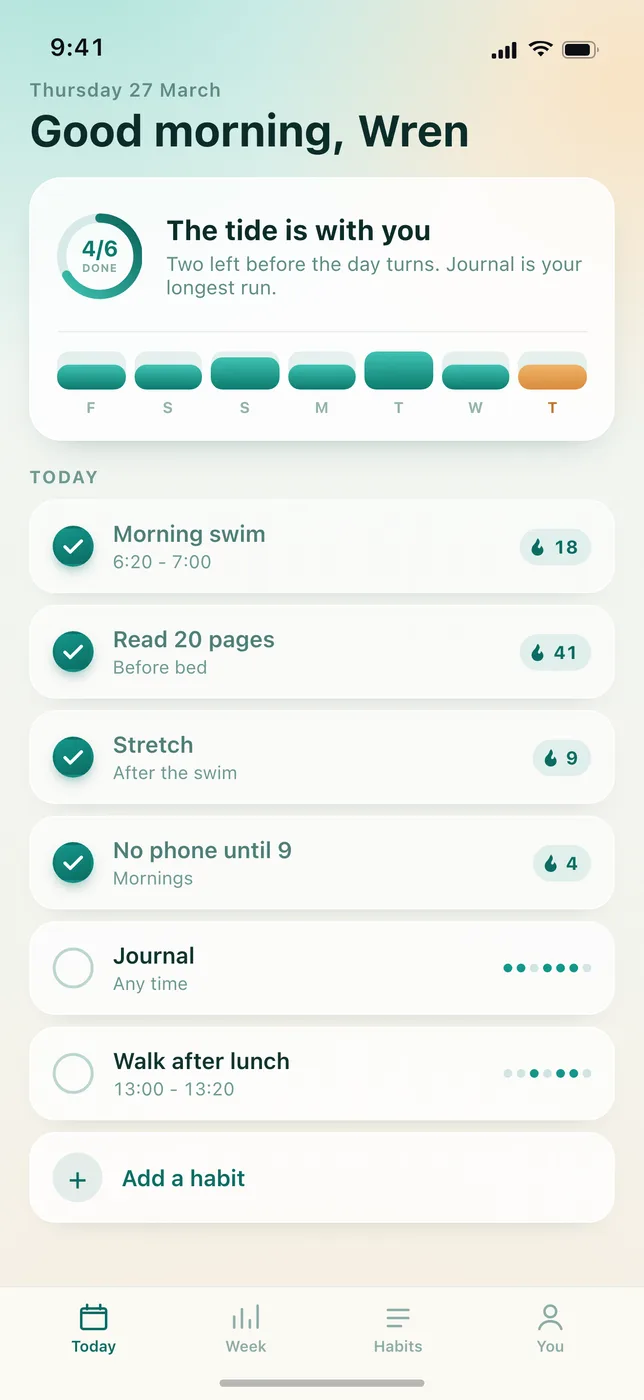
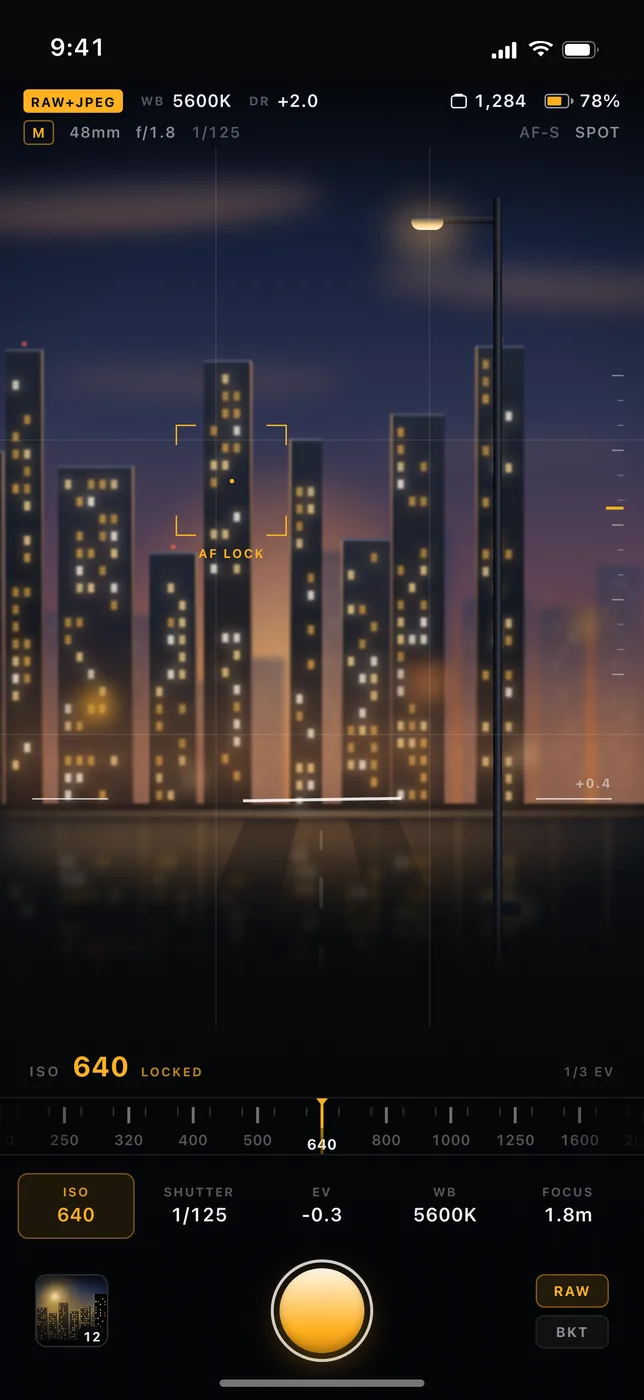
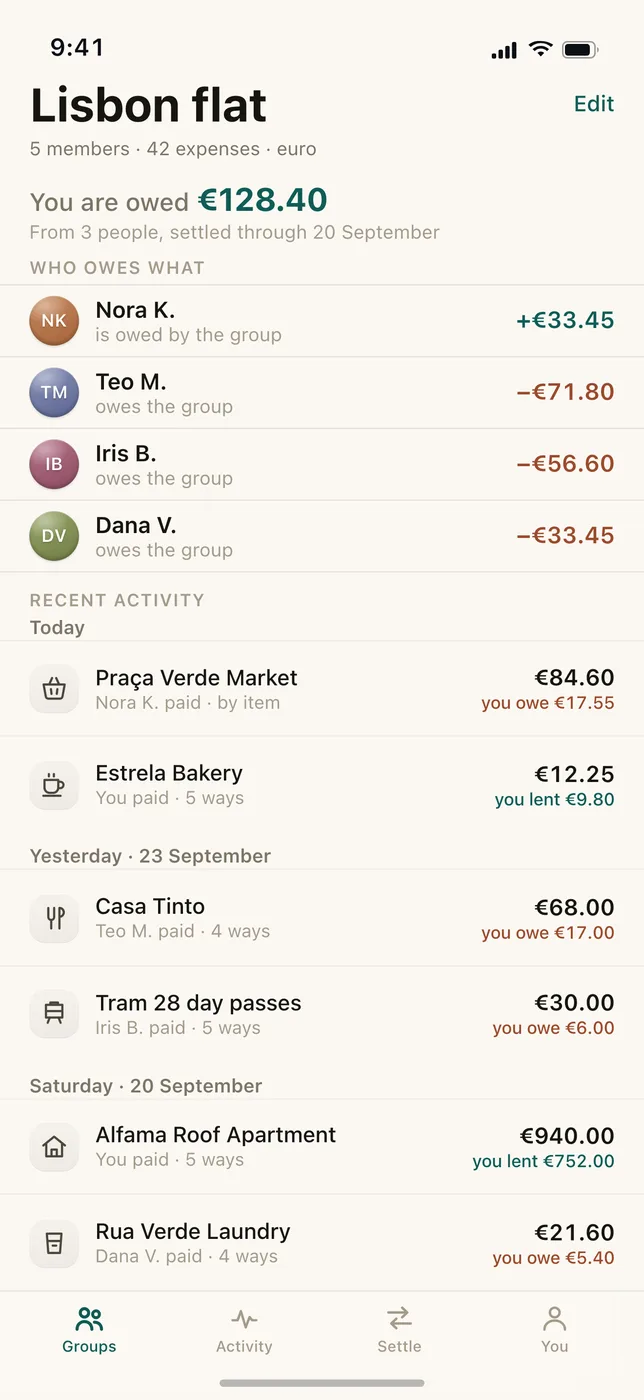
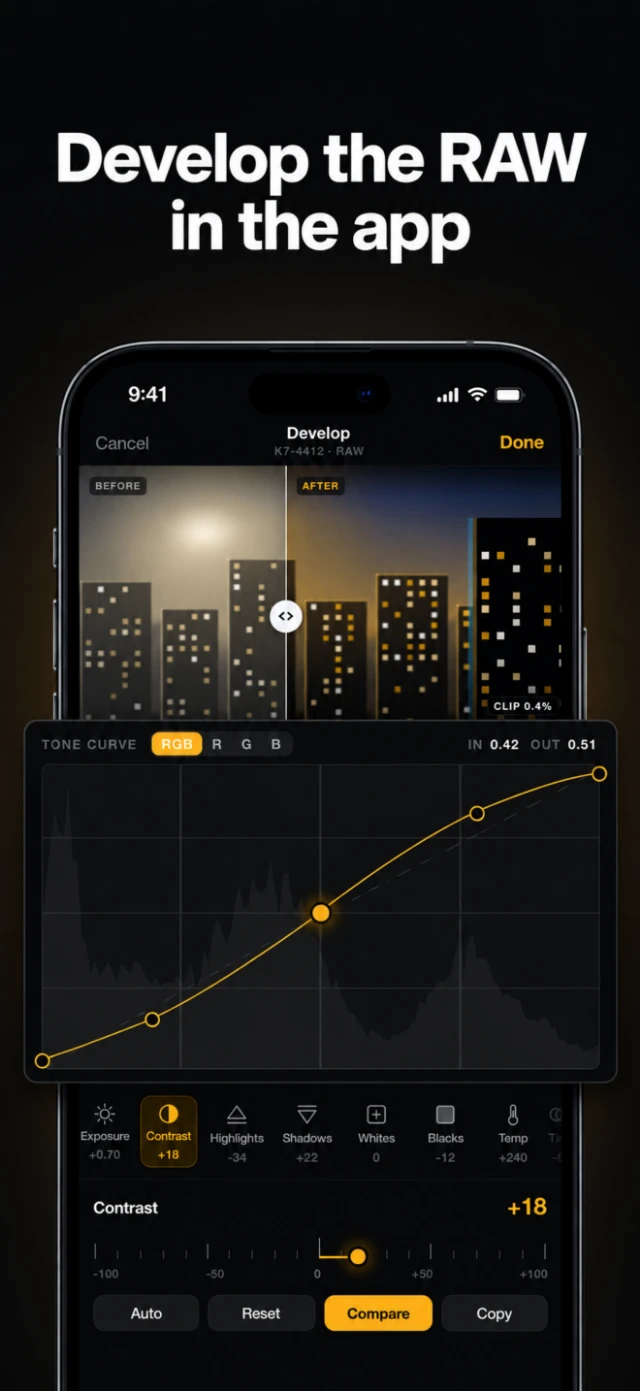
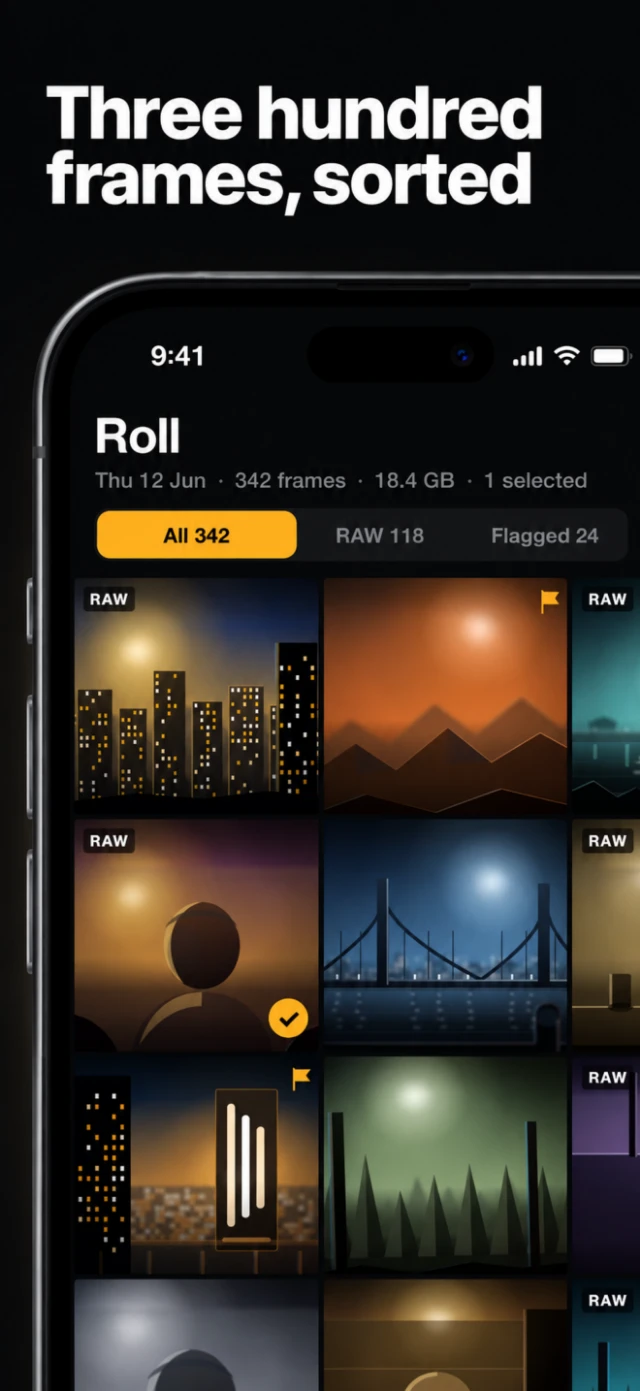
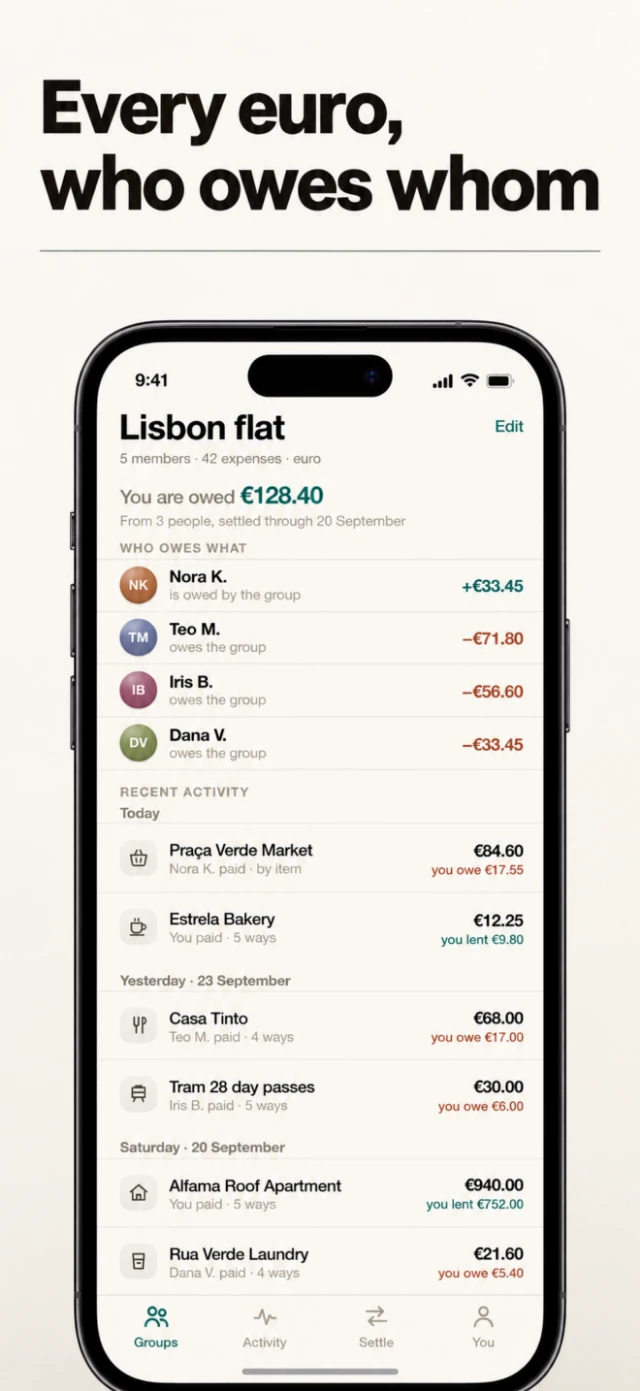
these are the same three frames from the pixel check, and that's on purpose. every name, merchant and number in them is made up, and there's no stock photography: the viewfinder's city, the receipt paper and the avatars are CSS and SVG. each app is hard in a different way. Tidepool is the friendly one. Kerner is a dark UI packed with instruments. Sable is plain, so typography is all there is to design around.
each got its own listing spec and a design system from the study, holding the same three things constant.
Tidepool uses the continuous world direction: one stretch of coast behind every card, so the set reads as a panorama. the phone sits on the same grid each time, and one real thing from each screen floats out of it: the progress ring, the streak number, the "+4 on last week" pill.
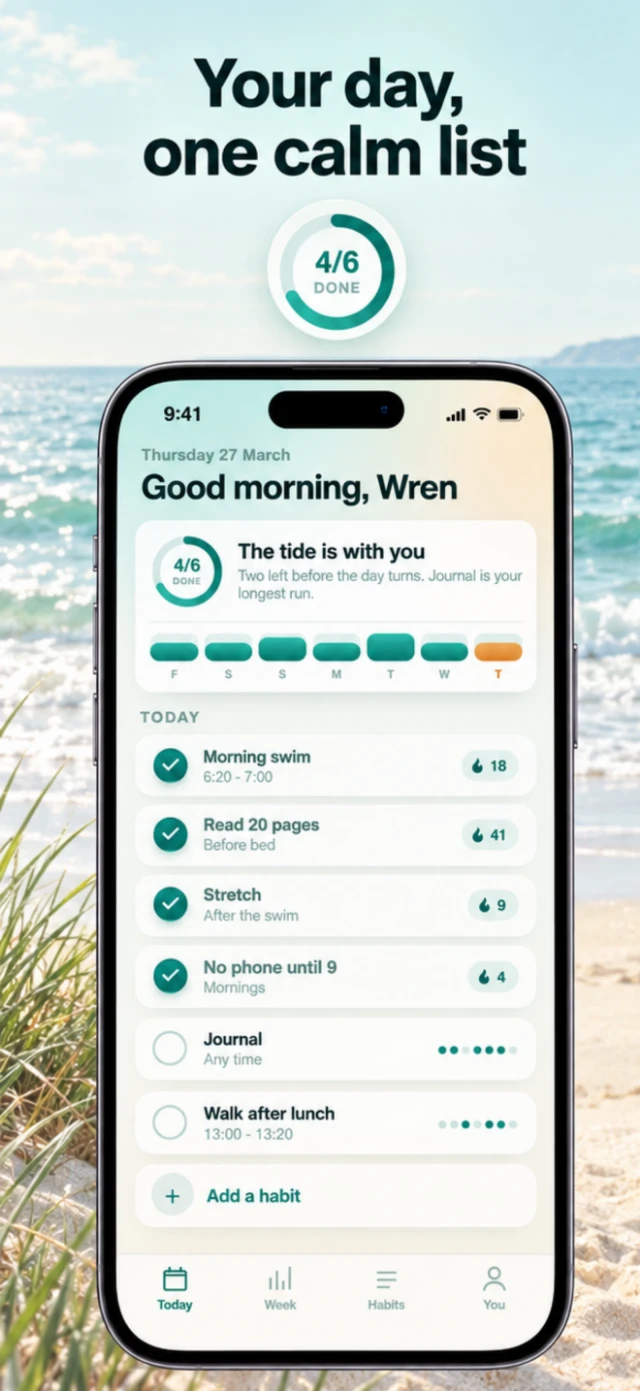
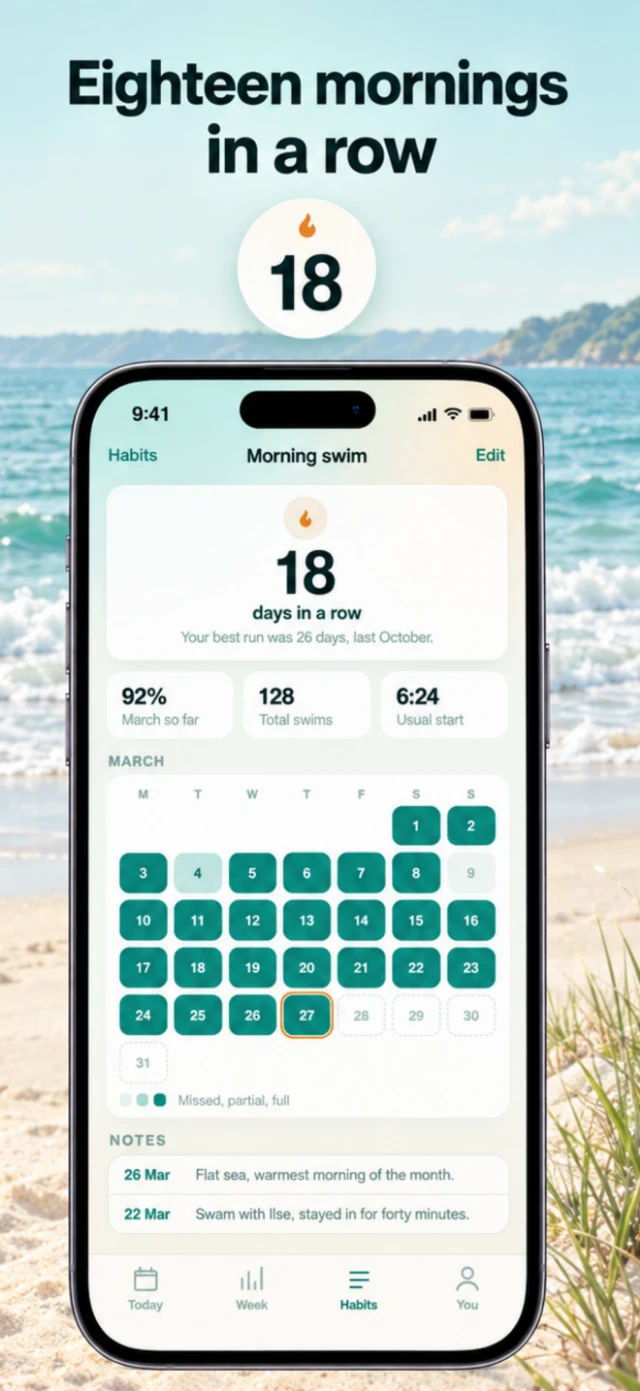
Kerner is upright and undecorated, like the strongest text-dense sets in the study. its spec's art direction ends: "this is a tool, photographed like a tool." a flat near-black ground, white headlines, and the amber stays inside the screen.
Sable is led by its text: warm paper, one hairline rule under each headline. "Every euro, who owes whom" pitches a bill splitter in five words.
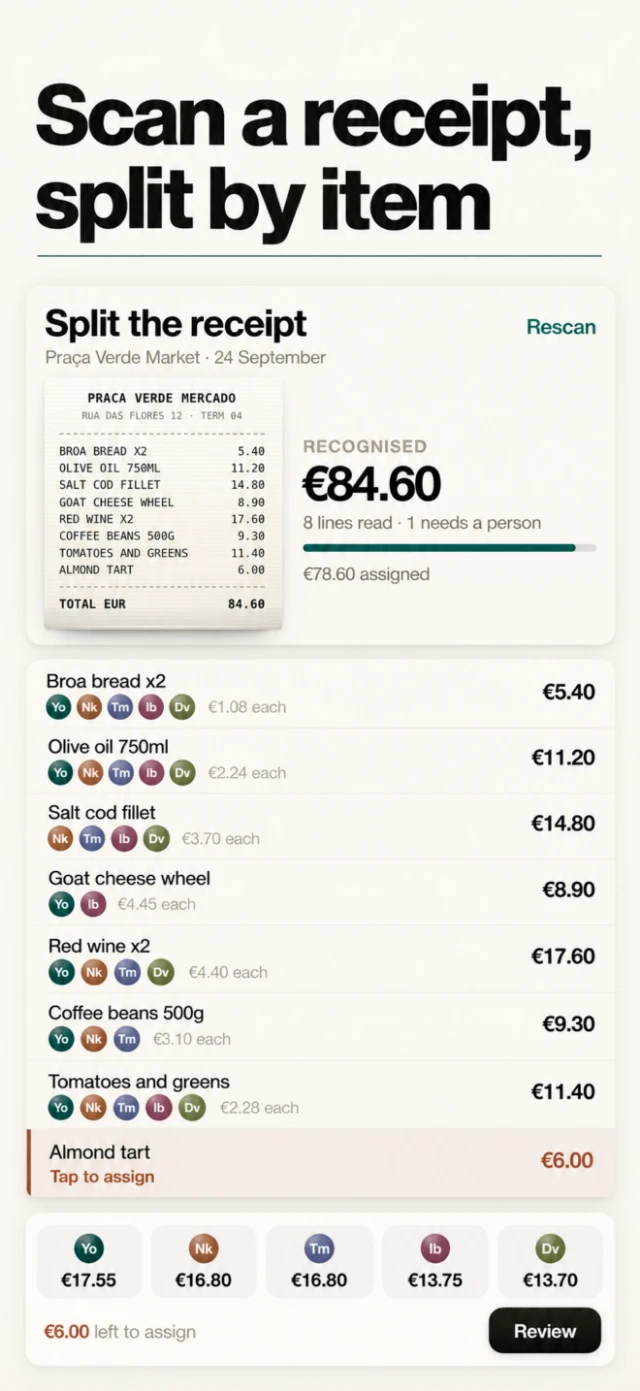
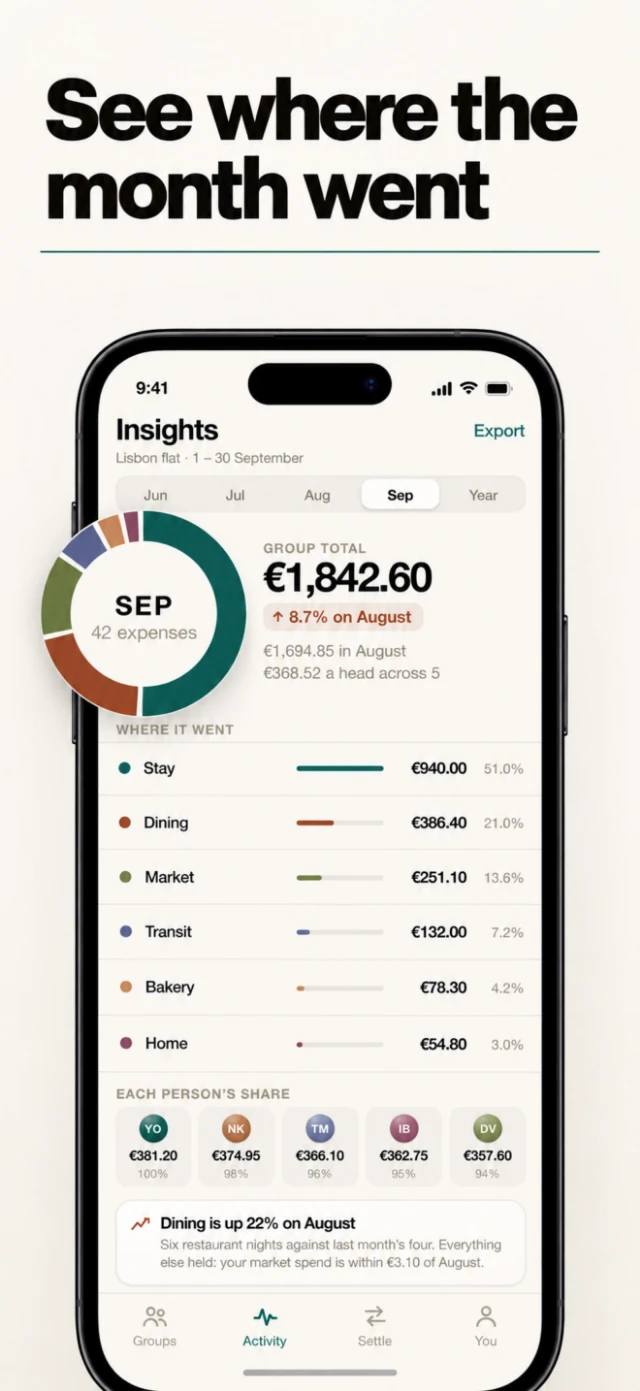
the study also produced six named directions, from editorial to cinematic dark. listing render --style renders one listing in several of them side by side, so you pick a look instead of describing one.
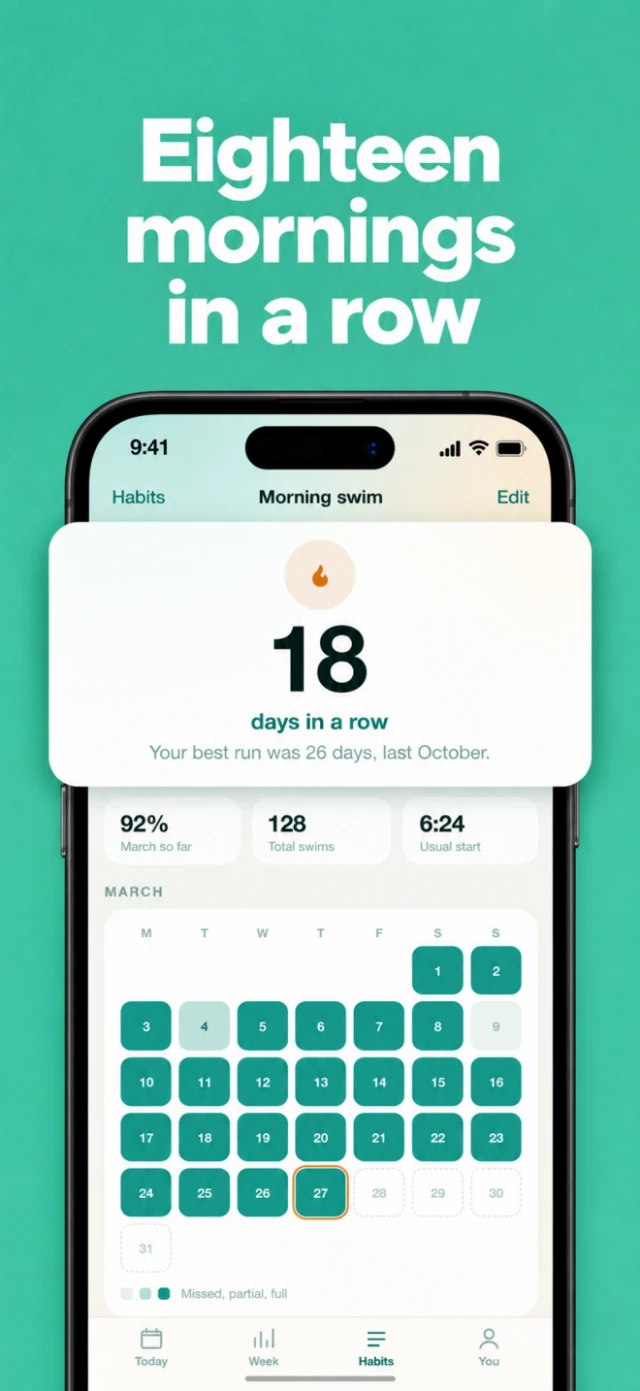
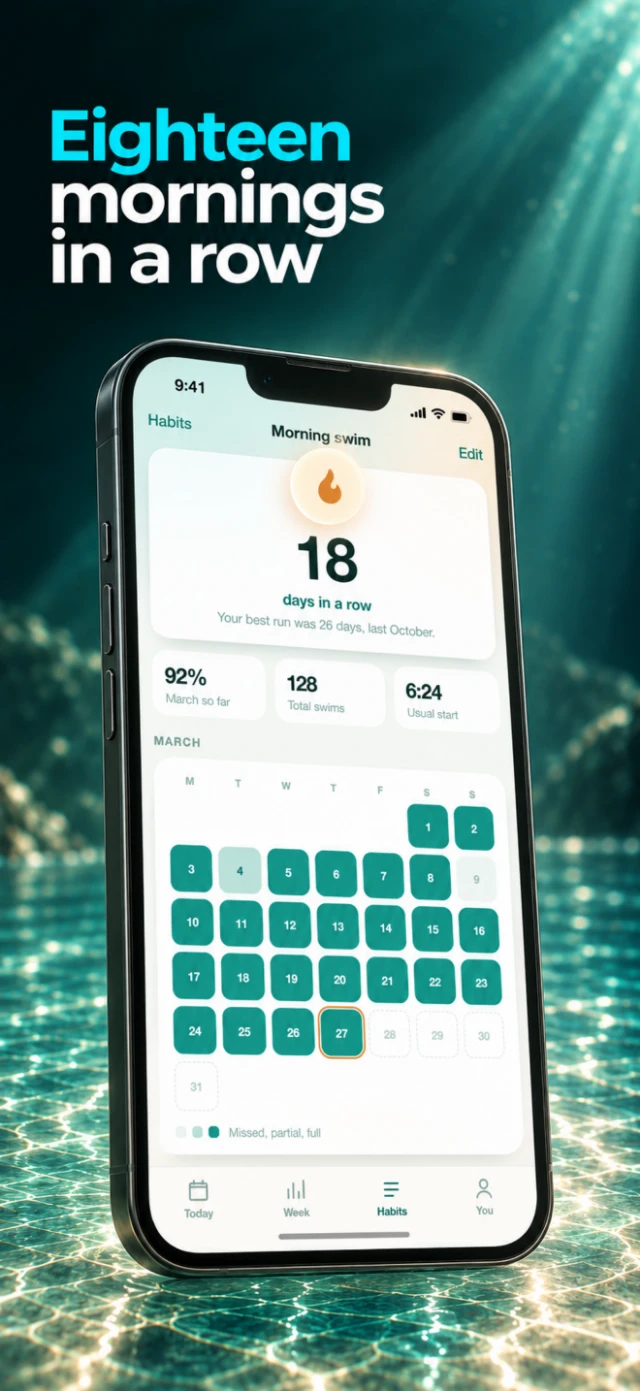
the headline and the capture inside the phone are identical in all three. only the system around them changes.
The model designs, the capture decides
the default compose path is called generate. a model designs each whole card from the real capture: background, device, type, and the element that lifts out. it runs through the Codex CLI on my ChatGPT plan, so the code deletes OPENAI_API_KEY from the environment before calling it. with the key set, Codex quietly switches to the paid Images API.
most of the prompt is constraints. the headline, "exactly, letter for letter". the shot. the device grid, copied word for word from the design block. "Reproduce every real app screen faithfully: same layout, words, numbers, and colors." and a list of things it can never add: prices, badges, awards, ratings, reviews, other companies' logos, or any text that isn't the headline or already on screen.
the first card that shows a whole phone becomes the anchor. every later card gets it as a reference image, with an instruction to match its headline position, size and style, and its device size and angle.
then a separate review pass gets the real capture and the finished card, and answers in a strict JSON schema: blocking issues, minor issues, and whether a developer overlay is showing. blocking means the card misrepresents the app: text or numbers inside the device that differ from the capture, content drawn into the screen that isn't there, a headline that isn't exactly the headline, any extra text, a clipped headline, or something popping out of the phone that the screen doesn't show. the landing page acts this out in its review lane.
a card that fails gets one more attempt, with every blocking issue passed back as a note. the landing page's own hero background went through exactly that. the demo README records it: it "failed its first attempt on a drifted history dot and passed on the second". no review log survives, so here are the history dots in the capture and in the card that shipped.


tilting, cropping, zooming in and scenery around the device are all allowed. the app itself has to stay the way it is.
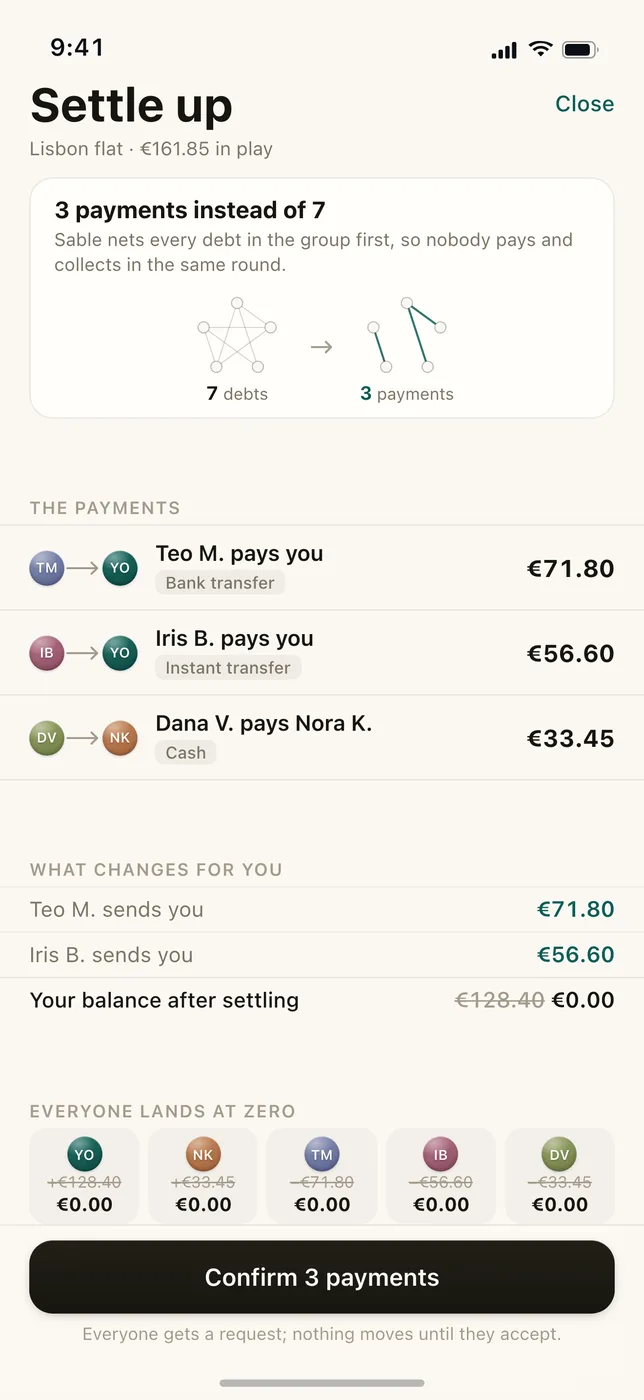
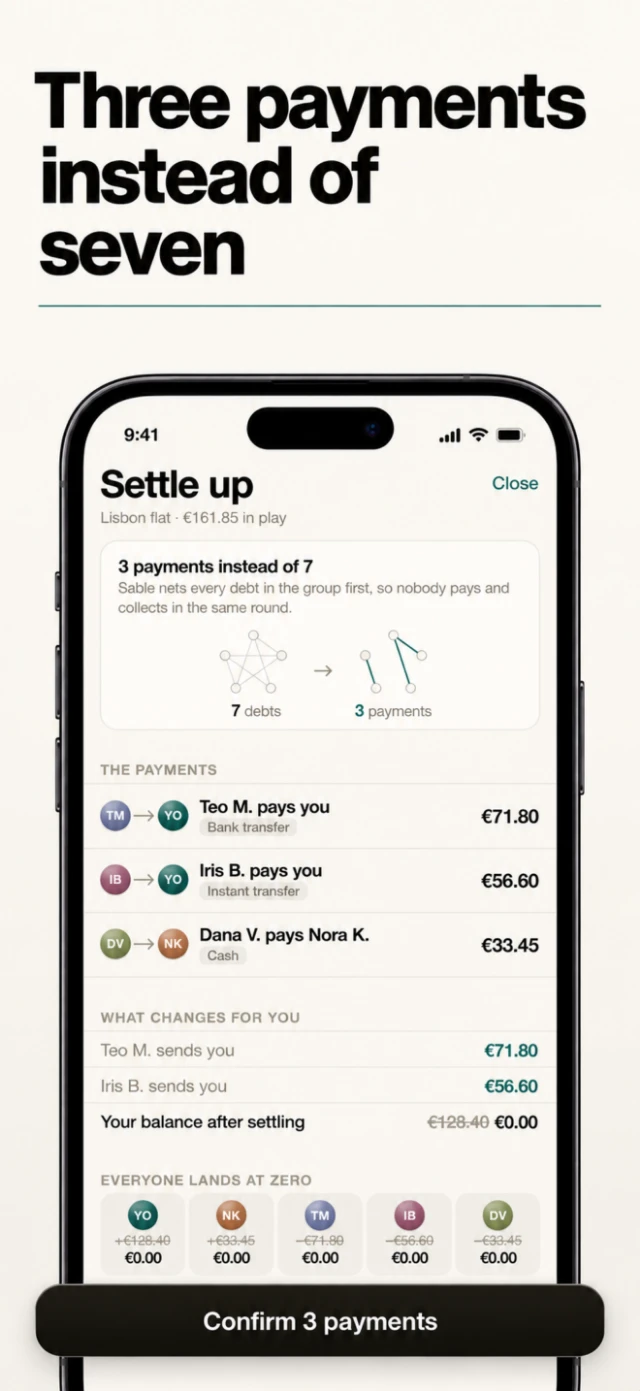
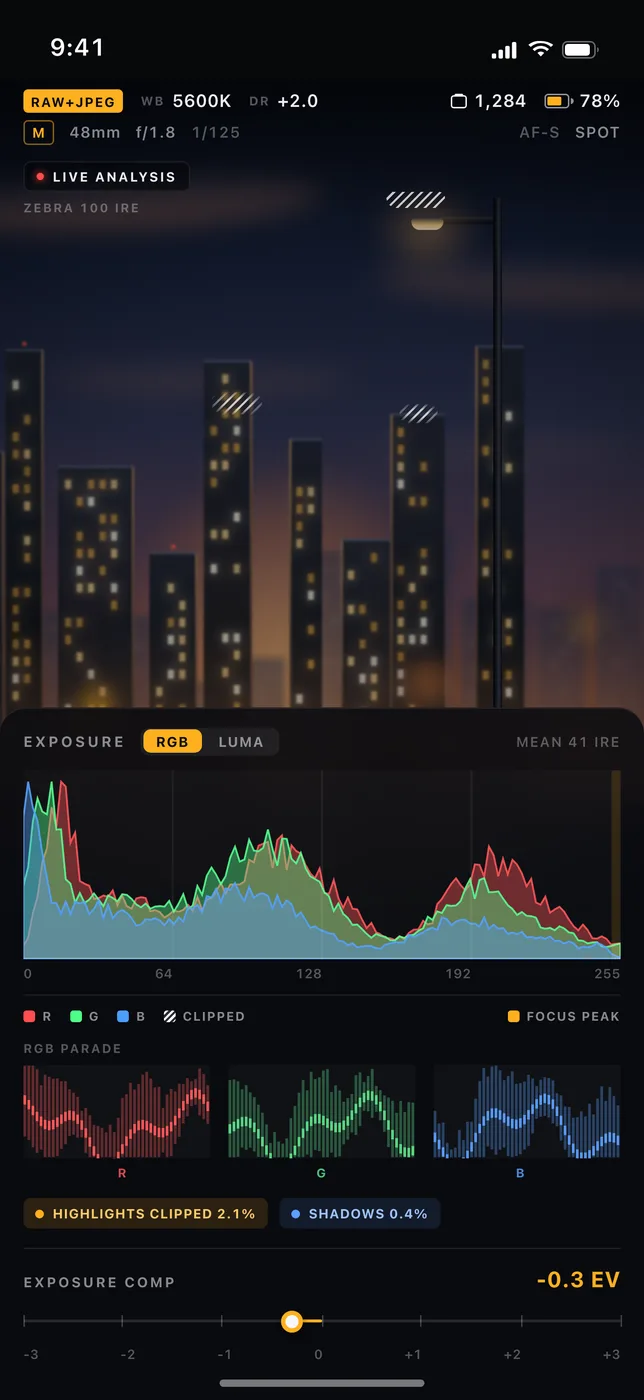
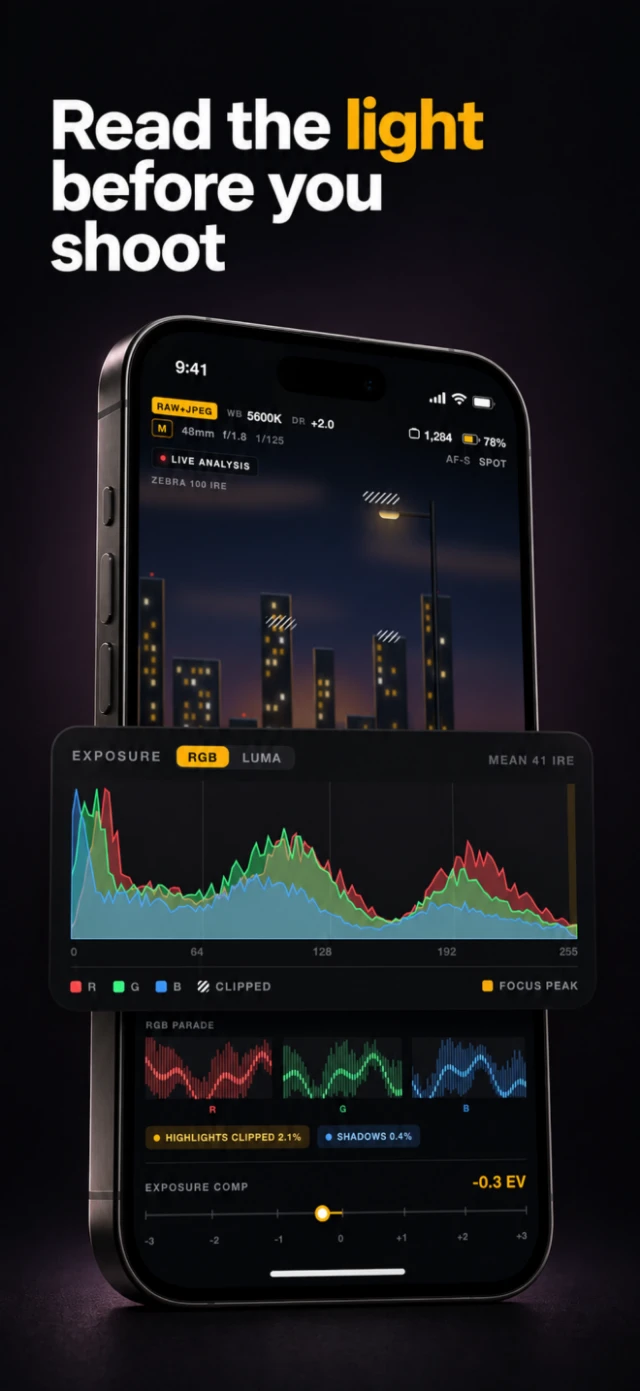
once all the cards are done, one more pass looks at the whole set in order, for drift no single review can see: the phone a little bigger on card five, the headline a little lower, a background that breaks its system. anything it flags is regenerated once more with those notes. a card that still fails prints as REVIEW FAILED, with its issues.
some states can't be captured honestly. a simulator has no camera, so a camera app shows a "No camera available" tile. for that, a card can declare substitutions: replace this exact thing with that. the reviewer allows what's declared and holds everything else to the capture. the demo README's rule for redoing a card: "change its brief - never the reviewer."
Models follow pictures better than sentences
some of the best sets stitch two or three cards into one image, so the swipe between them feels continuous. a spec asks for this with seams, like [[2, 3]].
the model draws the spread as one wide image and the code cuts it into cards. the brief asks for an aspect of 3960 by 2868 for three cards, but models only roughly follow an aspect ratio. so the code center-crops whatever comes back to exactly three cards' worth of 1320 by 2868, then cuts at equal widths.


say it comes back at 1536 by 1024. full width would need 1112 pixels of height, which it doesn't have, so the height stays 1024 and the crop is 1414 wide. that floors to three cards of 471, so 1413 pixels are used and about 61 are trimmed from each side. each slice is exactly the card's shape, and the cuts land where the brief said they would.
to keep important things off the cuts, the brief also includes a picture: grey panels, black lines at the cuts, and red bands 6% either side of each cut and 5% at the edges, where no headline letter or phone screen may sit. the comment above that function: "Models follow a picture of the constraint far better than a sentence about it." groups stop at three cards, because anything wider comes back too small to slice.
The landing page is the demo
everything on shotation.com is Shotation's own output for the three apps.
the hero is a corridor of whole store cards in WebGL2, and it has no walls. every card is a flat quad on one plane, fired outward from the center in left and right pairs, one pair every 650 ms, each flying for 14 seconds. a fullscreen pass then bends the flat render into a corridor by stretching the sides.
the stretch is one line of shader. a column at distance x from the center, with x running 0 to 1, is magnified vertically by 1 / (1 − 0.3·x²).


so the middle stays flat, a column halfway out is 8% taller, and the edges are 43% taller. that 0.3 eases in over the first two seconds, so the corridor bends open as it zooms out. without WebGL2 it draws a static frame from the same layout.
until october 14 it opened with the word Shotation as a mask, cards streaming through the letters, behind an iris that opened onto the corridor. the cards read as broken letters, and the iris animated a full-screen mask that dropped frames.3 so it became a plain wordmark that holds for 250 ms, then recedes, scaling, blurring and fading, while the corridor zooms out underneath. the headline and the install bar arrive 600 ms sooner.


the hero card further down breaks out of its frame as a real CSS transform, so it's two layers. the background is that second-attempt pass. the ring isn't generated at all: a script measures its box in a live 440 by 956 page, crops those pixels out of the 1320 by 2868 capture, and masks them to a circle with one pixel of feather.
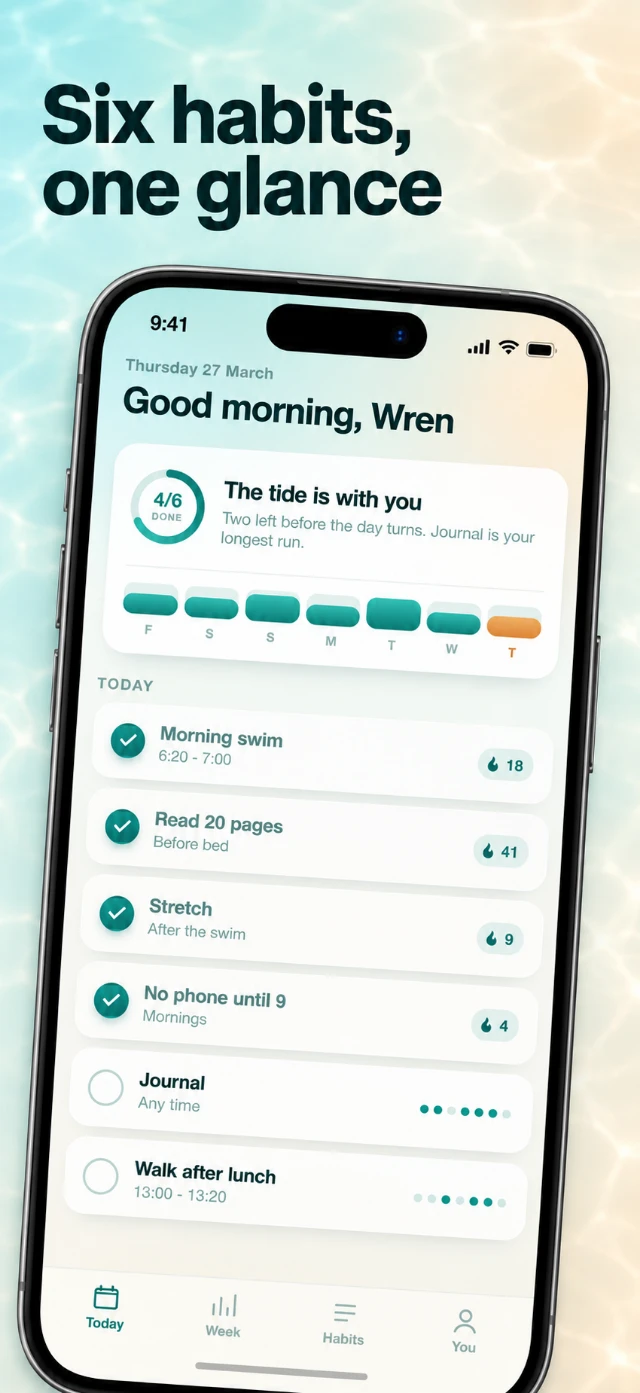
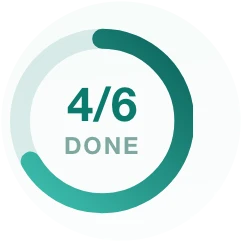
what flies out of the frame is the pixels Tidepool drew. below it, five lanes follow one Tidepool screen through capture, listing, design, review and export, and every command they show is a real shotation command. agents get the page too: ask for / with Accept: text/markdown and edge middleware serves a markdown version.
What it grades now
today it ships as two agent skills, installed with npx skills add arnenoori/shotation-skills: one runs the capture and export loop, and the other is the art director, with the shot vocabulary, the directions and the study in its references. both drive the same CLI, and every card they make still has to pass the checks above.
the model gets to choose everything around the screen. nothing on it.
the grader is still in there. it grades the store art now.
- the commit says the check exists "to prevent new monoliths". ↩
- the study marks which counts come from the site's own metadata and which from viewing every contact sheet by hand. headline word counts came from transcribing the 83 headlines of the 15 strongest sets. ↩
- both reasons are from the commit that replaced it, released as 0.2.0 the same day: the stream "read as broken letters", and the iris was "dropping frames". ↩