Bluma
A to-do list you share with your agents.
 SwiftUI
 Swift
 TypeScript
 Cloudflare Workers

 MCP
 Next.js
Coding agents keep their own lists. Claude Code plans in the chat or in a file in the repo, and none of that reaches the list I look at in the morning. The agent can't see what I meant to do today, either.
Bluma is a to-do app for one person and the agents they work with. It's a native app on Mac and iPhone, a web app, a command for the terminal and an MCP server, and all of them open the same lists. The hard part was letting that many things write to one list and still have every screen agree.
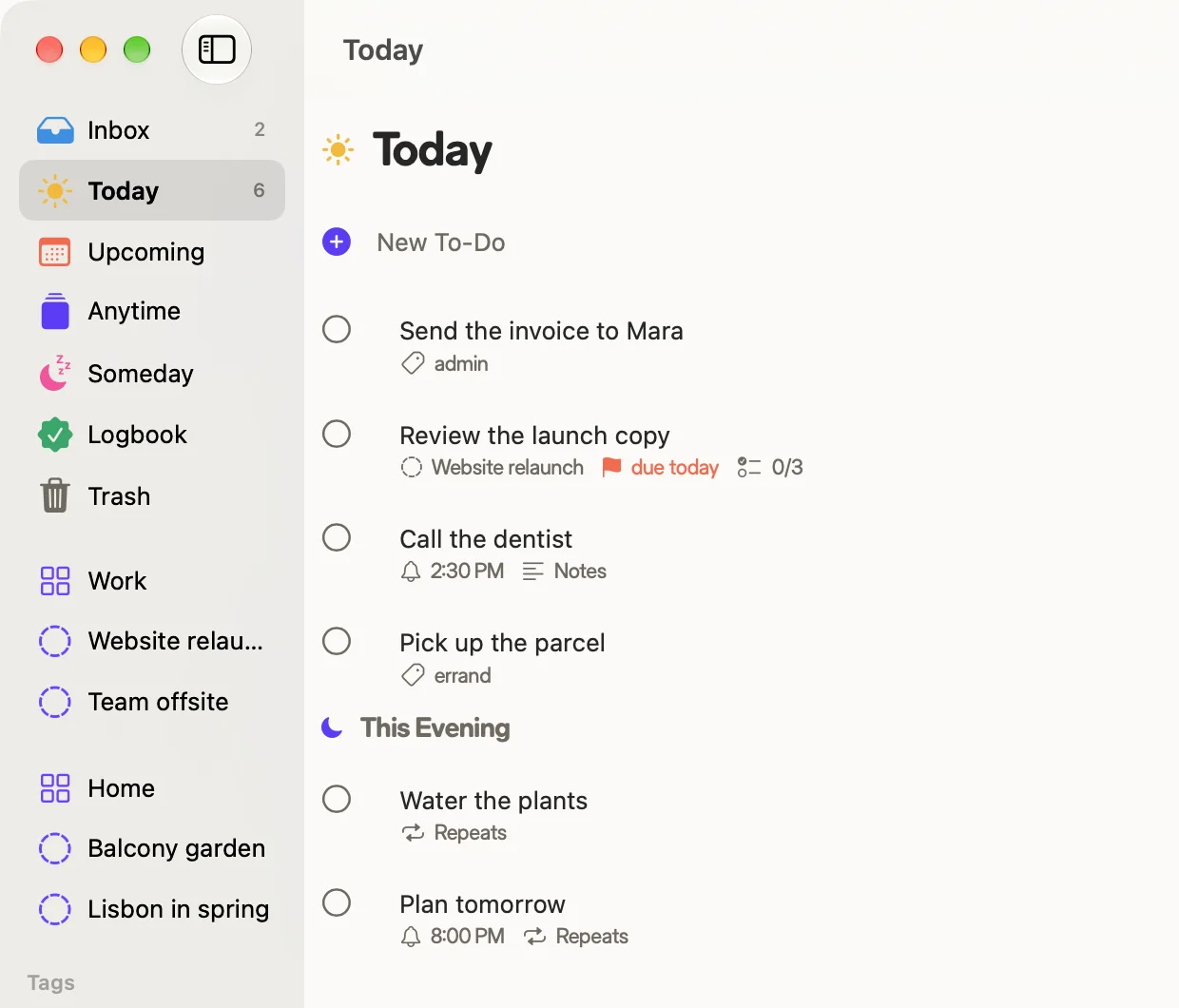
One list, four ways in
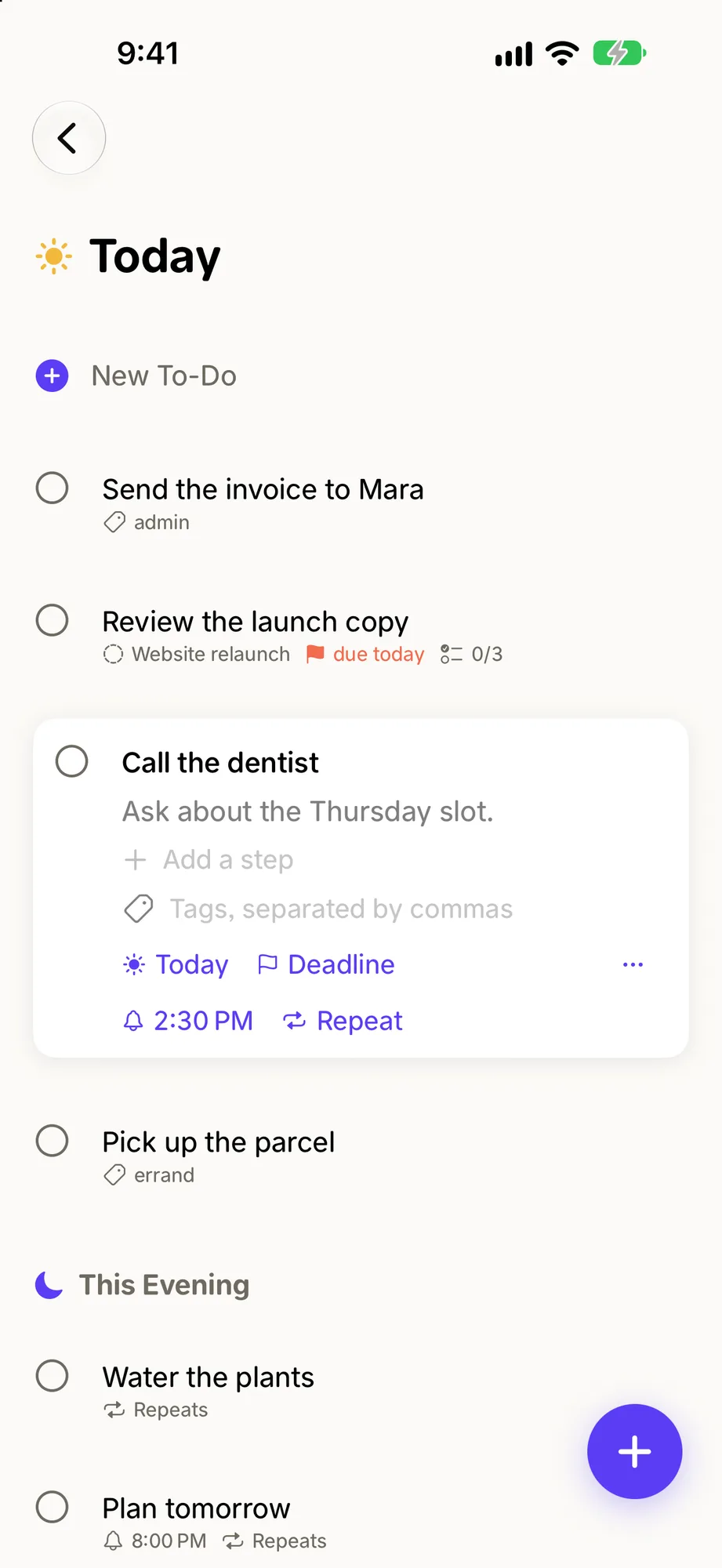
Every way in is equal. A to-do I type on the Mac, one I add with bluma add "Call mum" -w today, and one an agent adds through MCP all land in the same Today.
The MCP server has 19 tools, and they're shaped for how agents work. They take batches, so "add these six and schedule them" is one call. They take dates the way you'd say them, like "today" or "tomorrow". If one item in a batch fails, the agent hears which one, and the rest still go through. The server also carries three routines an agent can run by name: plan my day, weekly review and triage the inbox.
One of the tools is for the agent's own complaints. When a tool gets in its way, the agent can file a short report of what it tried and what would have fixed it. (The report describes the tools, never my to-dos.)
Deciding which list
A to-do doesn't store which list it's in. It stores a few facts: whether I've sorted it, a start date, a deadline, whether it's done. Every list is worked out from those.
Take Today. A to-do is in Today if its start date has arrived. It's also there if its deadline has arrived, unless I gave it a start date that's still ahead. So the start date wins. A to-do due today that I moved to tomorrow waits in Upcoming until tomorrow.
With this many clients, that rule can't live in several places and drift. It's one function, about twenty lines, and the server, the web app and the CLI all import it. Swift can't import TypeScript, so the Apple apps carry a port that matches it case for case. The tests for the TypeScript version are the specification for both, and the two change together.
The other lists fall out the same way. Upcoming is anything with a start date still ahead. Anytime and Someday hold the to-dos with no date, the ready ones and the parked ones. Done and deleted are checked before anything else, so a finished to-do never lingers in Today.
One number for sync
Each account has one counter. Every write, from any of the four ways in, raises it by one in the same transaction as the write, and stamps the changed row with the new number.
A device remembers the last number it saw and asks for everything after it. A phone that was offline for a week asks the same question as a Mac that lost Wi-Fi for a second.
Deletes need more care, because an offline device can't notice a row that's simply gone. So nothing is removed outright. The Trash marks a row. Emptying the Trash blanks the row and leaves the empty shell behind as a marker, and the next device to sync drops its copy.
The apps don't wait for the server. A change is applied on the device first, queued, and sent when there's a connection. A new to-do gets its id on the device, so sending it twice still makes one to-do.
Getting time right
A reminder is stored as a local time with no time zone. If I set one for 9:00 and fly somewhere, it's still 9:00.
A repeating to-do can count from its due date or from the day I finished it. Rent is due on the first whatever I do. The plants want water three days after I last watered them.
Dates can be typed the way I'd say them: "tom", "fri", "in 3 days", "nov 22", "tonight".
Importing a list
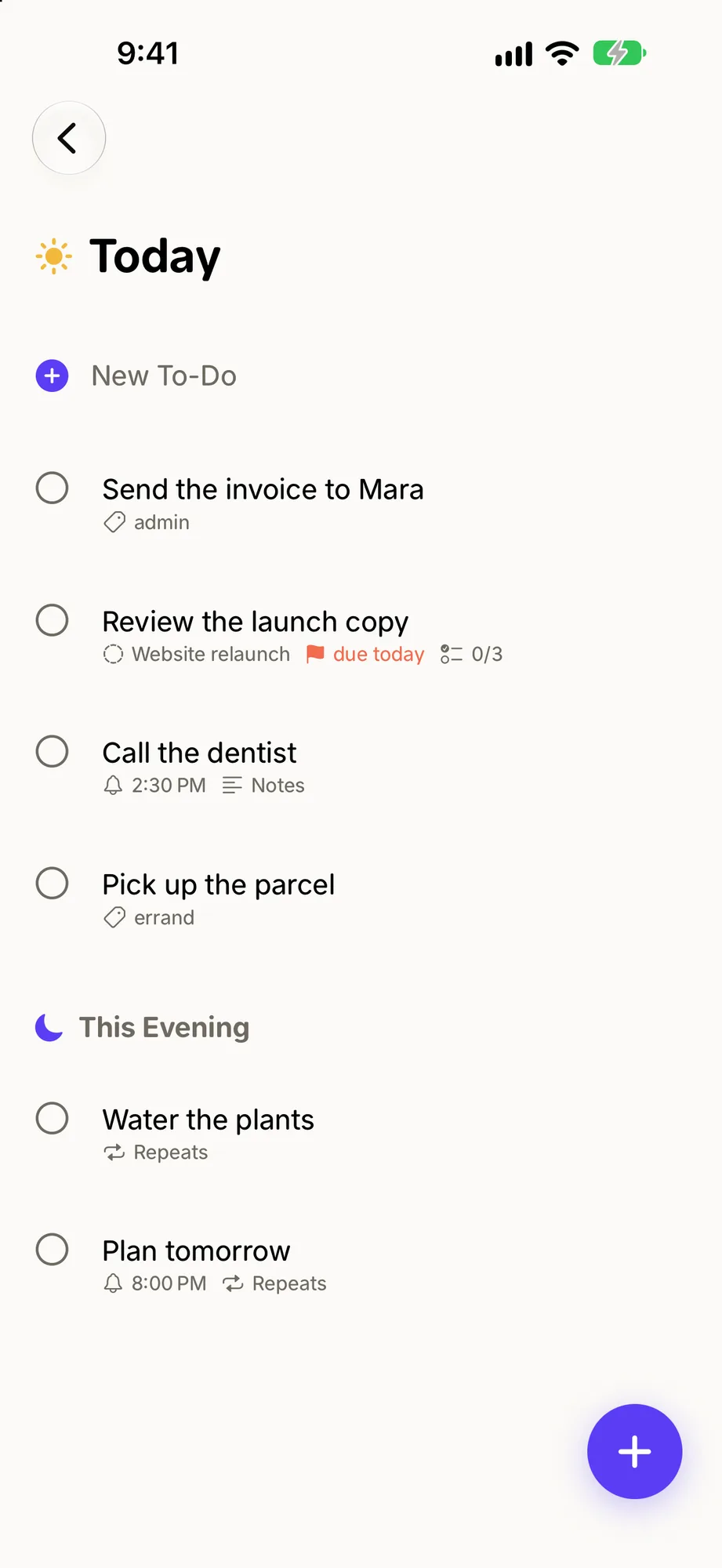
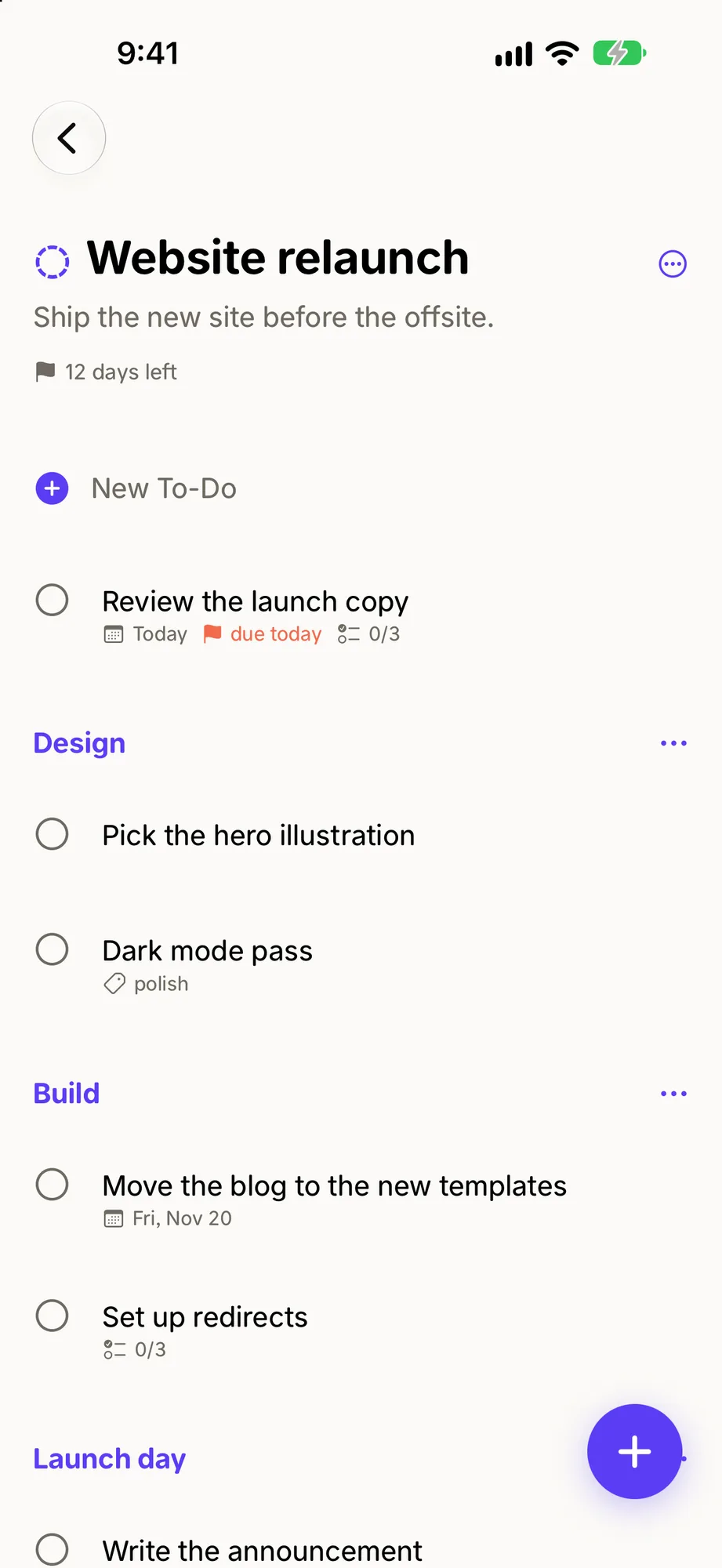
A new list app starts empty, and mine wasn't. Bluma imports from Things 3, Todoist and Apple Reminders. The Things import reads a temporary copy of the database, so Things itself is never opened or changed. It keeps a note of what it brought over, and running it again adds only what's new.
Finishing grows a flower
Bluma Zeigarnik was a psychologist in 1920s Berlin. In 1927 she showed that an unfinished task stays on your mind and a finished one lets go. Her first name is also the Yiddish word for flower.
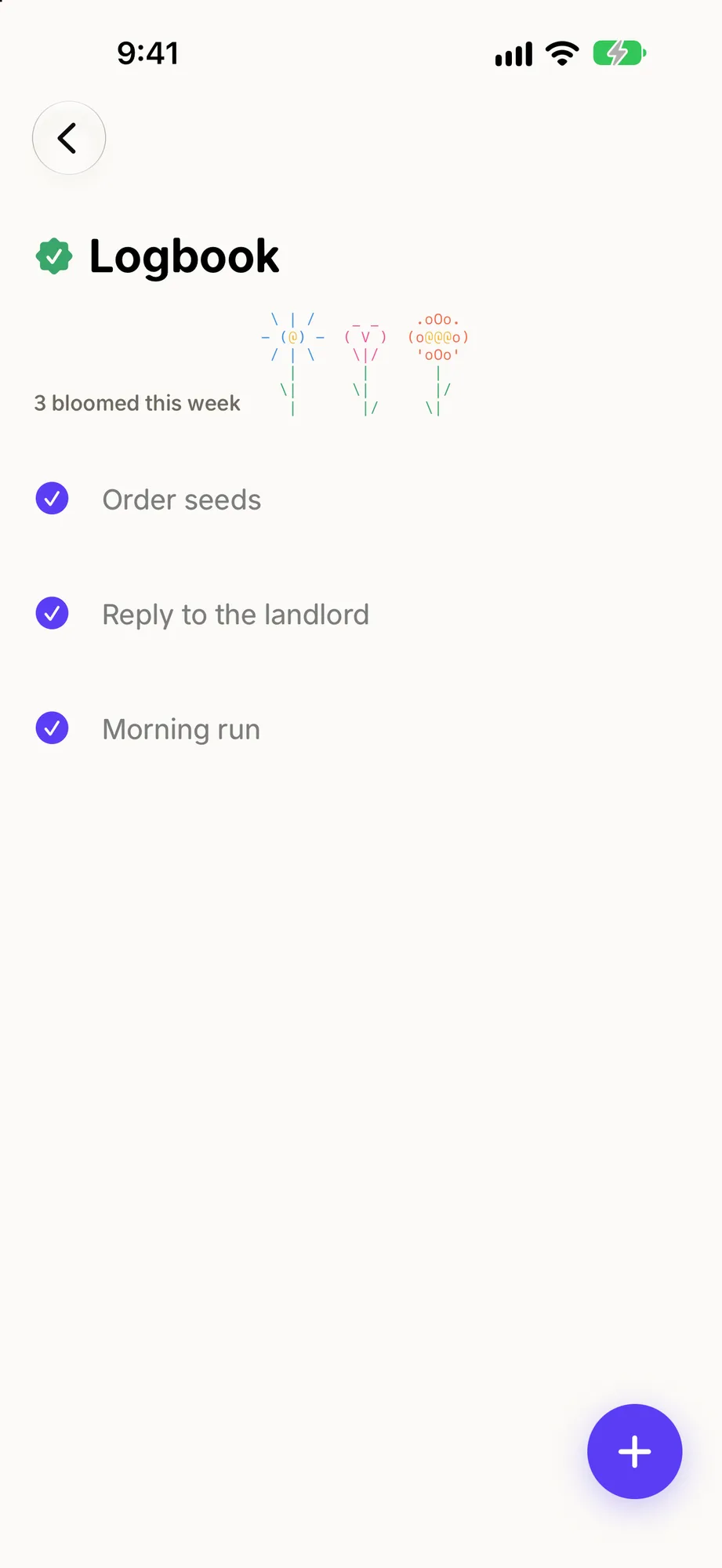
So finished to-dos bloom. The Logbook counts what bloomed this week and draws a flower for each one, up to seven.
The flowers are text. There are five species, each seven characters wide, drawn in the system's monospace font. A number picks the species, never chance, so the same screen shows the same flower every time.
They're the only decoration Bluma has, and they stay out of the work. There are no flowers inside a to-do, a menu or a setting.
Where it is now
The Mac app is a download from bluma.sh, and the web app runs in any browser. The iPhone and iPad app is in TestFlight. All of it is free.
When an agent finishes one of my to-dos, the Logbook draws a flower for it, the same as it does for mine.